3-2 Basic faxing
Basic faxing
Transmitting faxes
This section describes the often-used basic procedure for transmitting faxes.
1
Load the document.
2
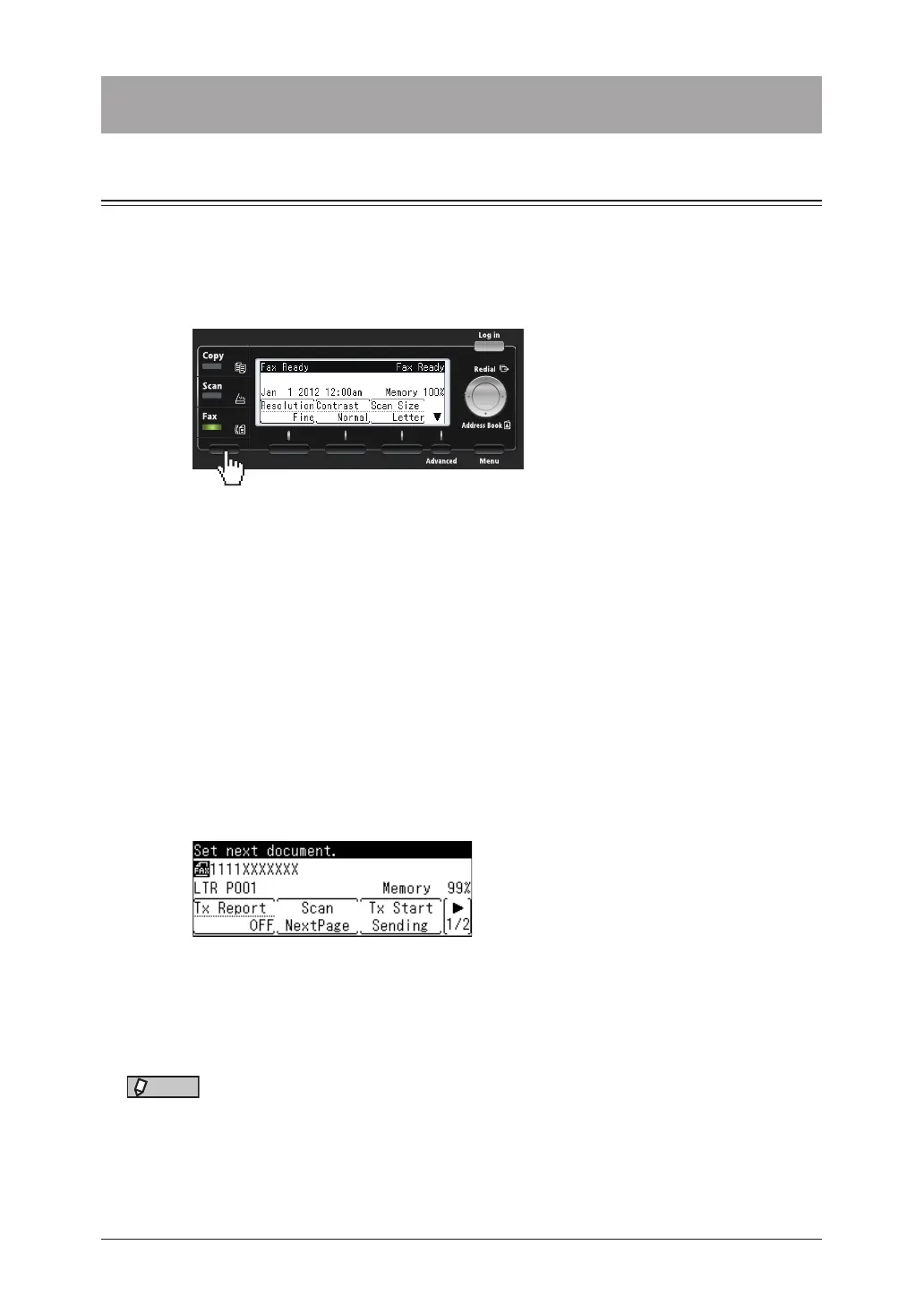
Press the mode change key to change to fax mode.
3
Set the resolution and contrast, as necessary.
For details, see “Setting the resolution “ (page 3-6) and “Setting the contrast” (page 3-7).
4
Specify the destination.
For details on specifying other destinations, see “Specifying destinations” (page 5-2).
5
Repeat step 4 to specify all the destinations.
You can confirm or delete the specified destinations. For details, see “Checking specified
destinations” (page 5-9).
6
Confirm the destinations, then press <Start>.
•When you have loaded the document on the automatic document feeder, this will complete
the operation.
•When you have loaded the document on the document glass, the following message will
appear when the first page of the document is scanned.
7
Load the next document, and press [Scan NextPage].
8
Repeat step 7 to scan all the documents.
To finish scanning and start the transmission, press [Tx Start Sending].
NOTE
•For details on canceling the transmission, see “Canceling / Checking faxes” (page
3-10).
•Transmissions can be reserved while the machine is communicating. The reserved
transmission will start when the current job is completed. Up to 30 transmissions
can be reserved.



 To Next Page