1
2
Advanced scan functions
Advanced scan functions 2-5
Setting the contrast (Contrast)
Set the contrast to scan with according to the document.
Lightest:
Lighter:
Normal:
Darker:
Darkest:
Select to scan with the lightest contrast.
Select to scan with a contrast between the normal contrast and the lightest contrast.
Select to scan with the normal contrast.
Select to scan with a contrast between the normal contrast and the darkest contrast.
Select to scan with the darkest contrast.
1
Press the mode change key to change to scan mode.
2
Press <Advanced>.
3
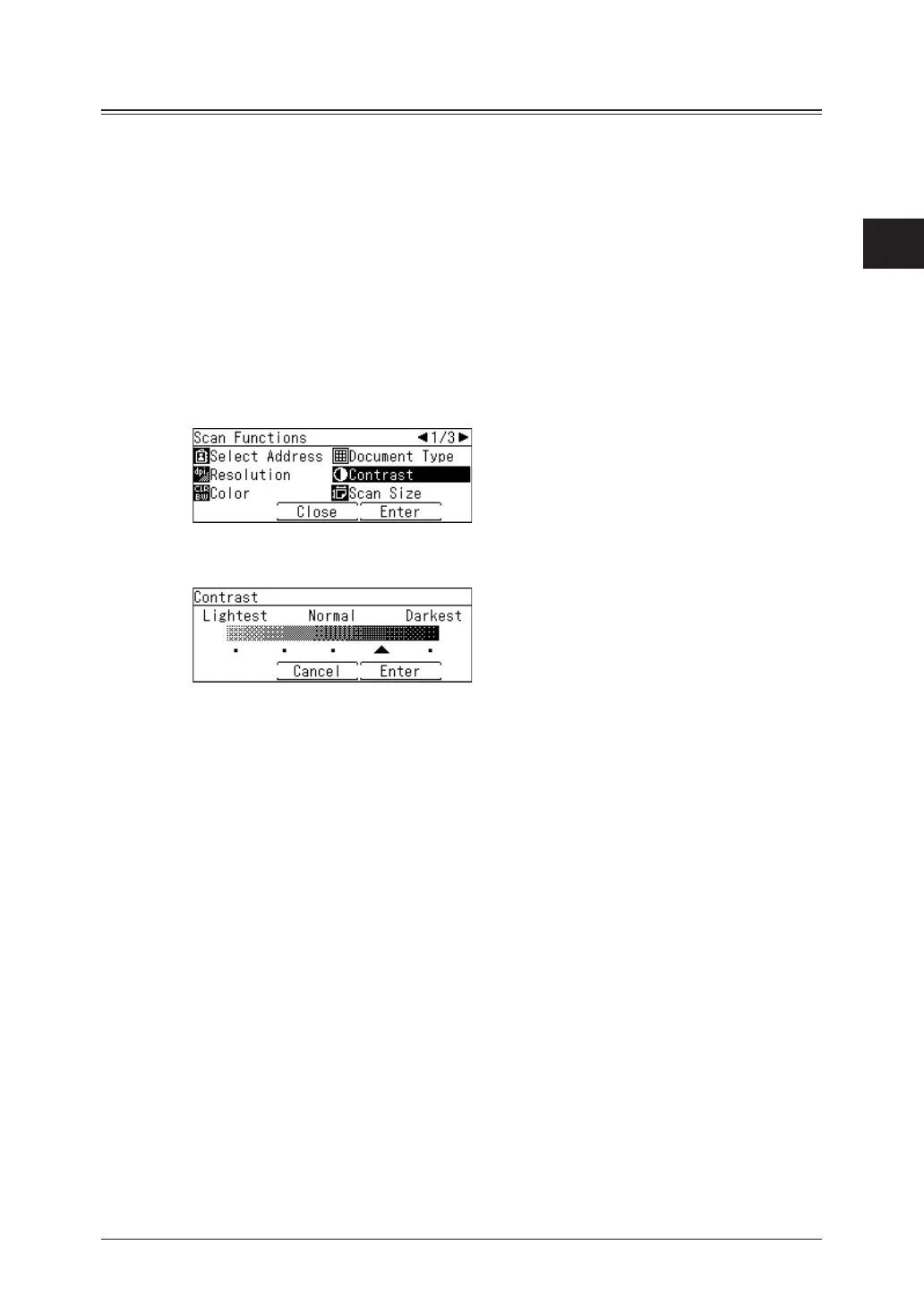
Select “Contrast”, and press [Enter].
4
Select the desired contrast, and press [Enter].
5
Specify the destinations, and press <Start>.
For details on the procedure, see “Basic scanning” (page 1-2).



 To Next Page