4-6 Scanner related settings
4
Specify the destinations, and press <Start>.
For details on specifying the destinations, see “Specifying destinations” (page 5-2).
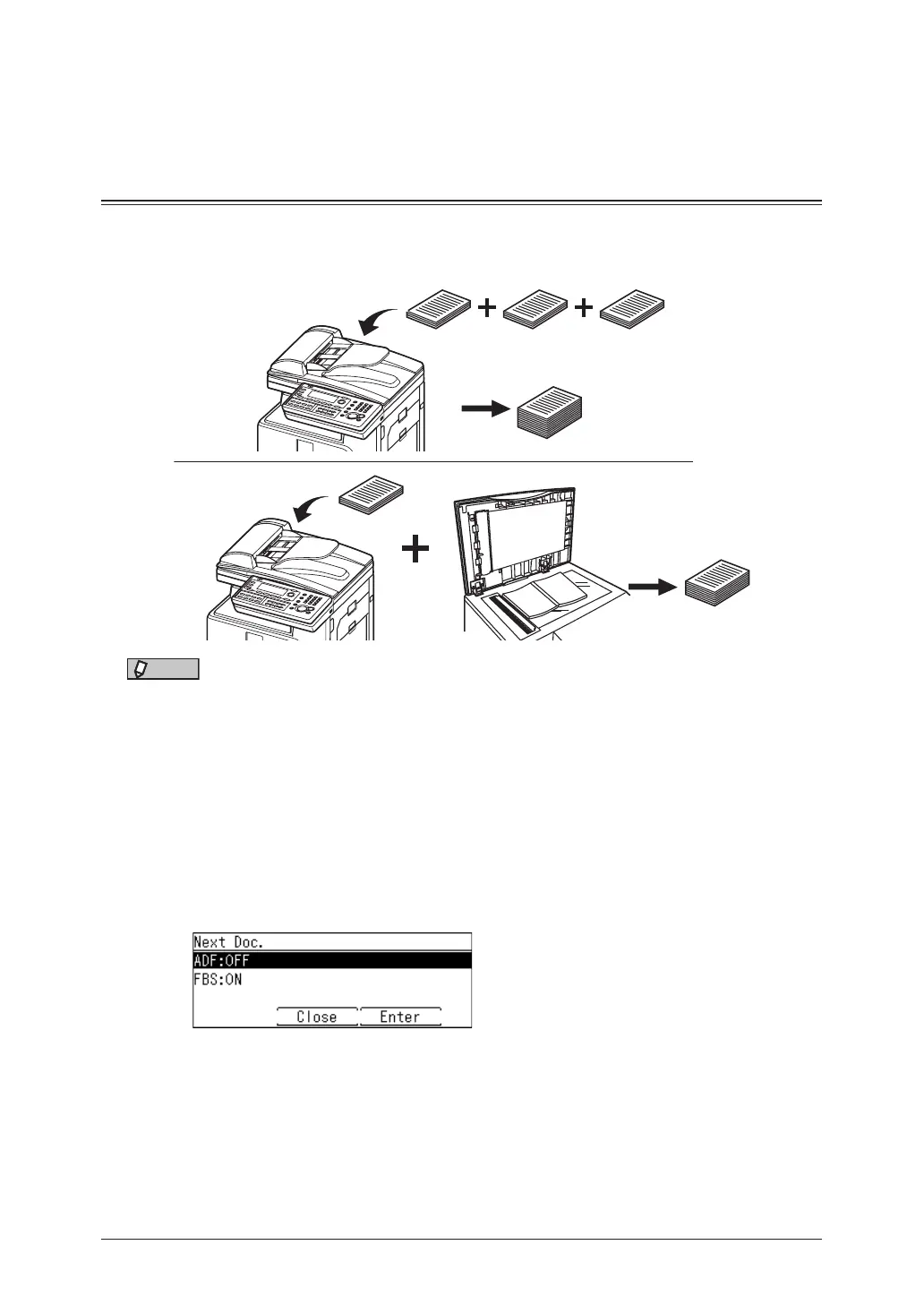
Next document setting (Next Doc.)
If you need to transmit a large volume of documents that cannot all fit into the automatic
document feeder at once, turn “Next Doc” on to divide scanning. You can scan both
through the automatic document feeder and on the document glass.
NOTE
The next document settings can be set separately for the automatic document feeder (ADF)
and the document glass (FBS).
1
Press the mode change key to change to fax mode.
2
Press <Advanced>.
3
Select “Next Doc.”, and press [Enter].
4
Select “ADF” or “FBS” you want to set, and press [Enter].
5
Select “ON”, and press [Enter].
Select “OFF” to deselect the setting.
6
Press [Close] until the “Fax Ready” screen is displayed.



 To Next Page