1
2
Advanced scan functions
Advanced scan functions 2-11
Selecting the file format (File Format)
You can select the file format for sending.
Available File Formats are as follows.
For monochrome scanning:
For color scanning:
TIFF, PDF
JPEG, PDF
1
Press the mode change key to change to scan mode.
2
Press <Advanced>.
3
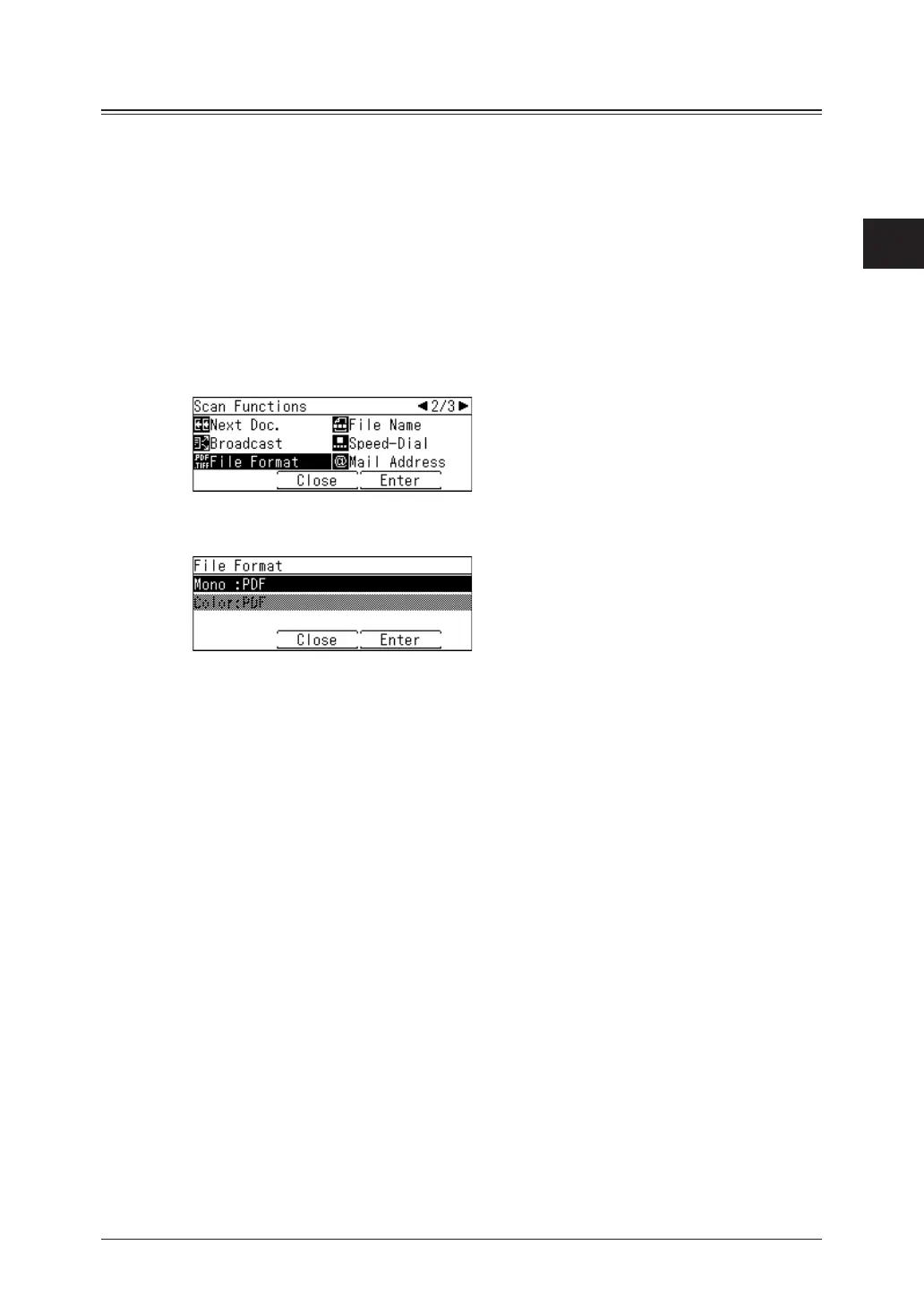
Select “File Format”, and press [Enter].
4
Select “Mono” or “Color”, and press [Enter].
The selectable items differ according to the file format. For details, see
“Color” (page 1-12).
5
Select file format, and press [Enter].
6
Press [Close] repeatedly until the “Scan Ready” screen is displayed.
7
Specify the destinations, and press <Start>.
For details on the procedure, see “Basic scanning” (page 1-2).



 To Next Page