2-10 Advanced scan functions
Using one-touch key
1
Load the document.
2
Press the mode change key to change to scan mode.
3
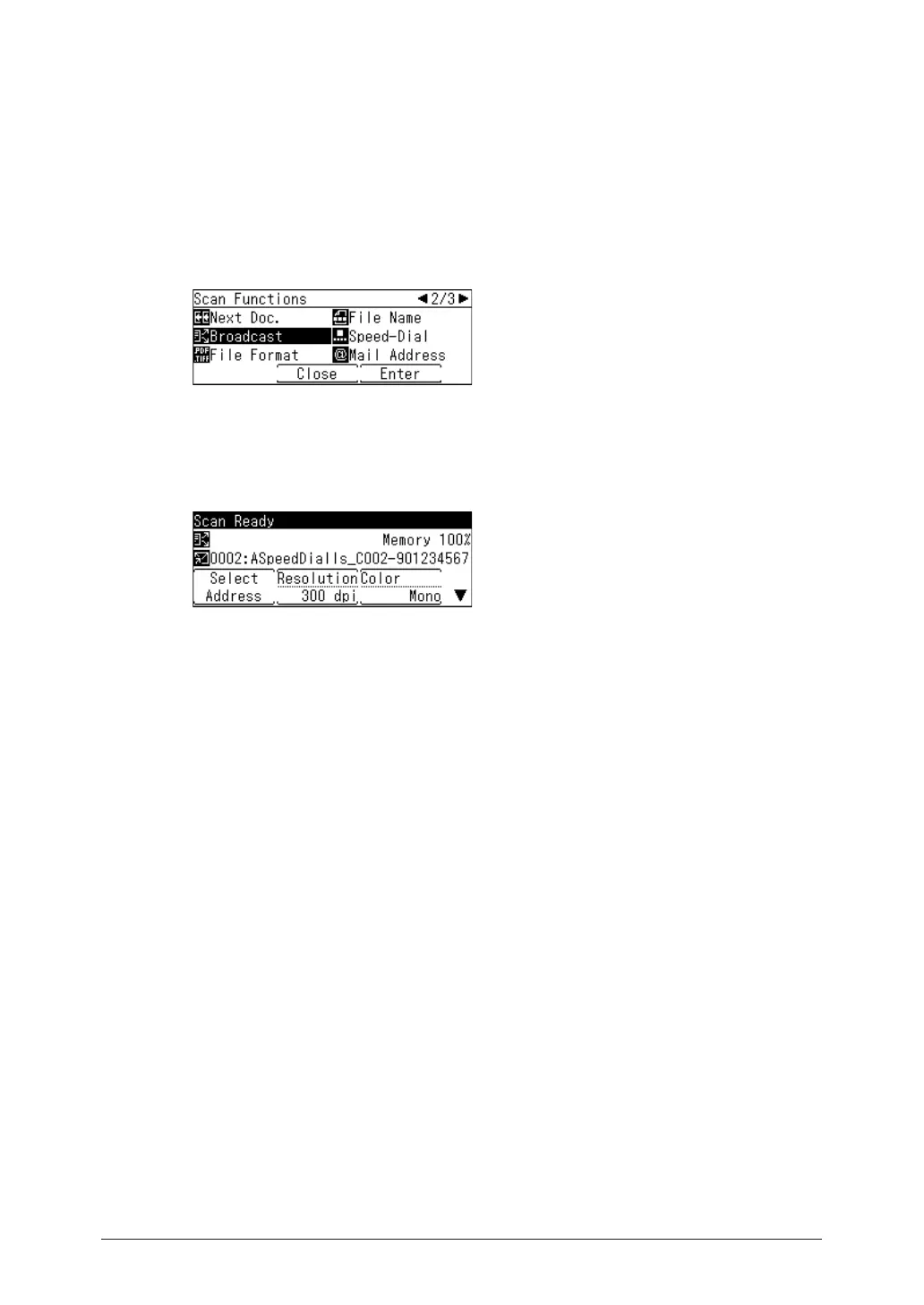
Press <Advanced>.
4
Select “Broadcast”, and press [Enter].
5
Select “ON”, and press [Enter].
Select “OFF” to deselect the setting.
6
Specify the destinations using the one-touch key.
7
Repeat step 6 to specify all the destinations.
You can confirm or delete the specified destinations. For details, see “Checking specified
destinations” (page 5-9).
8
Press <Start>.
•If you loaded the document in the automatic document feeder, this concludes the procedure.
•If you loaded the document on the document glass, the message “Set next document.” is
displayed when the loaded documents have been scanned. Load the next document, and
press [Scan NextPage]. Press [Scanning End] to complete scanning.



 To Next Page