4-12 Transmission related settings
Sending the sender name (TTI)
You can select from three types of sender names registered in advance. You can also
transmit without adding a sender name.
For details on registering the sender names, see “Registering your name or company
name (TTI)” (page 7-13).
1
Load the document.
2
Press the mode change key to change to fax mode.
3
Press <Advanced>.
4
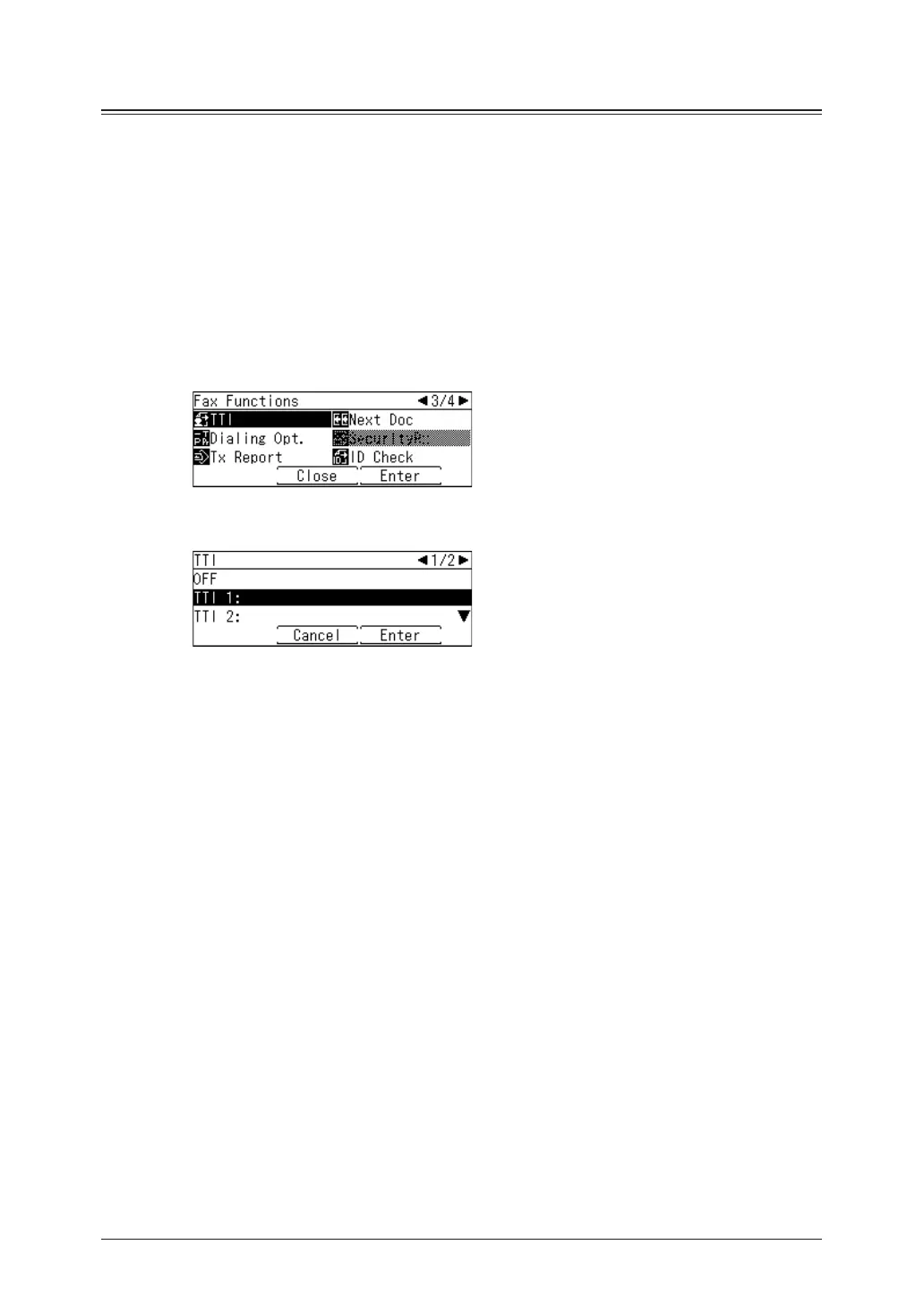
Select “TTI”, and press [Enter].
5
Select the sender name, and press [Enter].
Select “OFF” to send a fax without adding a sender name.
6
Specify the destinations, then press <Start>.
For details on specifying the destinations, see “Specifying destinations” (page 5-2).



 To Next Page