1
2
3
Basic fax functions
Basic faxing 3-3
Manual transmission
Use this method when the other fax machine uses manual reception, or when you want to
transmit after having a telephone conversation.
NOTE
•Connecting an external phone is required when picking up the handset to transmit.
•Manual transmission cannot be performed from the document glass.
1
Load the document in the automatic document feeder.
2
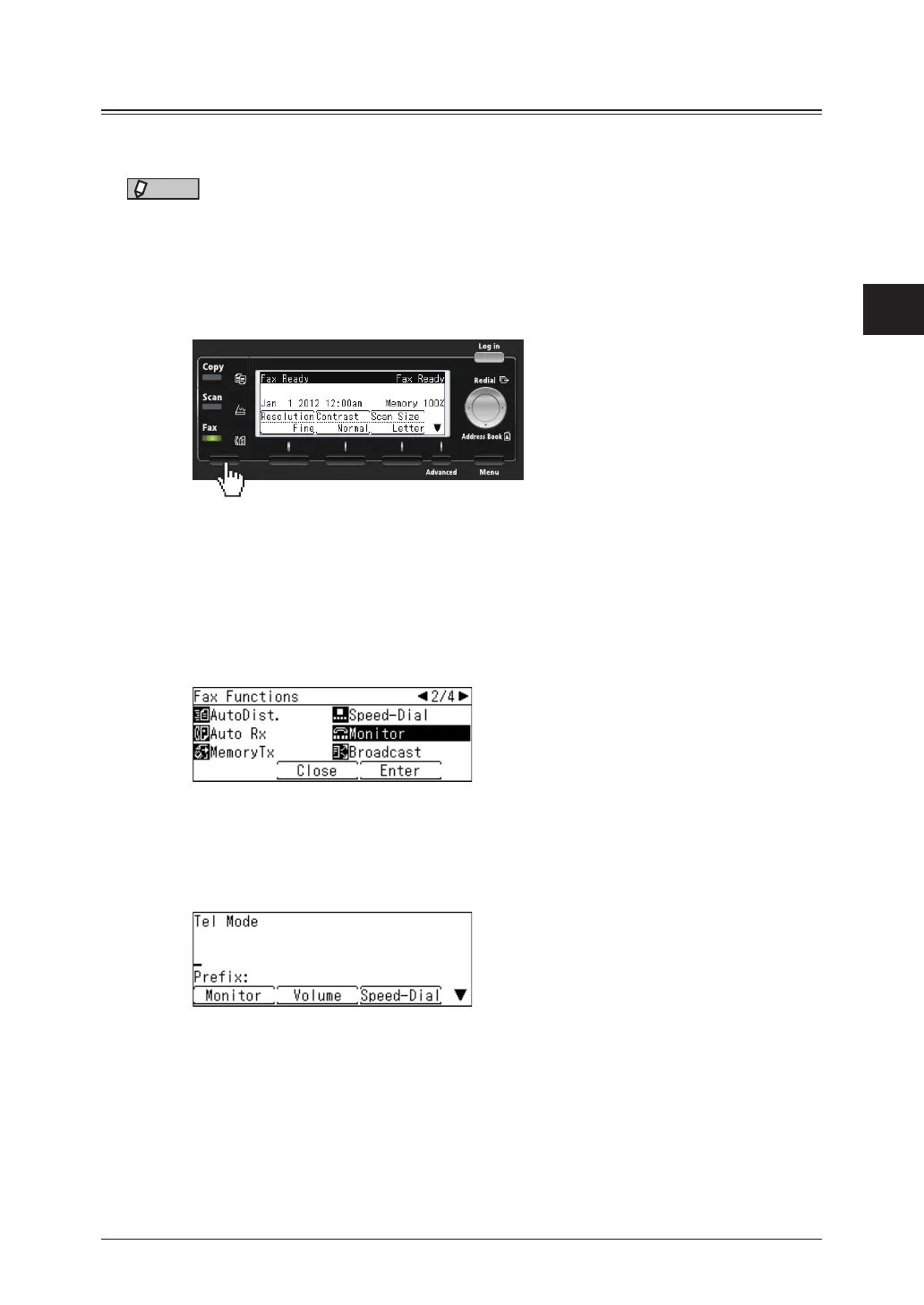
Press the mode change key to change to fax mode.
3
Set the resolution and contrast, as necessary.
For details, see “Setting the resolution “ (page 3-6) and “Setting the contrast” (page 3-7).
4
Press <Advanced>.
If an external phone is connected, pick up the handset of the external phone. Proceed to step 5.
5
Select “Monitor”, and press [Enter].
6
Specify the destination.
•For details on specifying the destinations, see “Specifying destinations” (page 5-2).
•If you want to set advanced functions such as file format, press <Advanced> and then set the
function as necessary.
7
If the other party is using manual reception, ask them to start the fax reception
procedure.
8
When you hear the beep from the other fax machine, press <Start>.
If you picked up the handset of the external phone to dial, hang up the handset.



 To Next Page