3-22 Making a phone call
Adjusting the speaker volume
1
Press the mode change key to change to fax mode.
2
Press <Advanced>.
3
Select “Monitor”, and press [Enter].
4
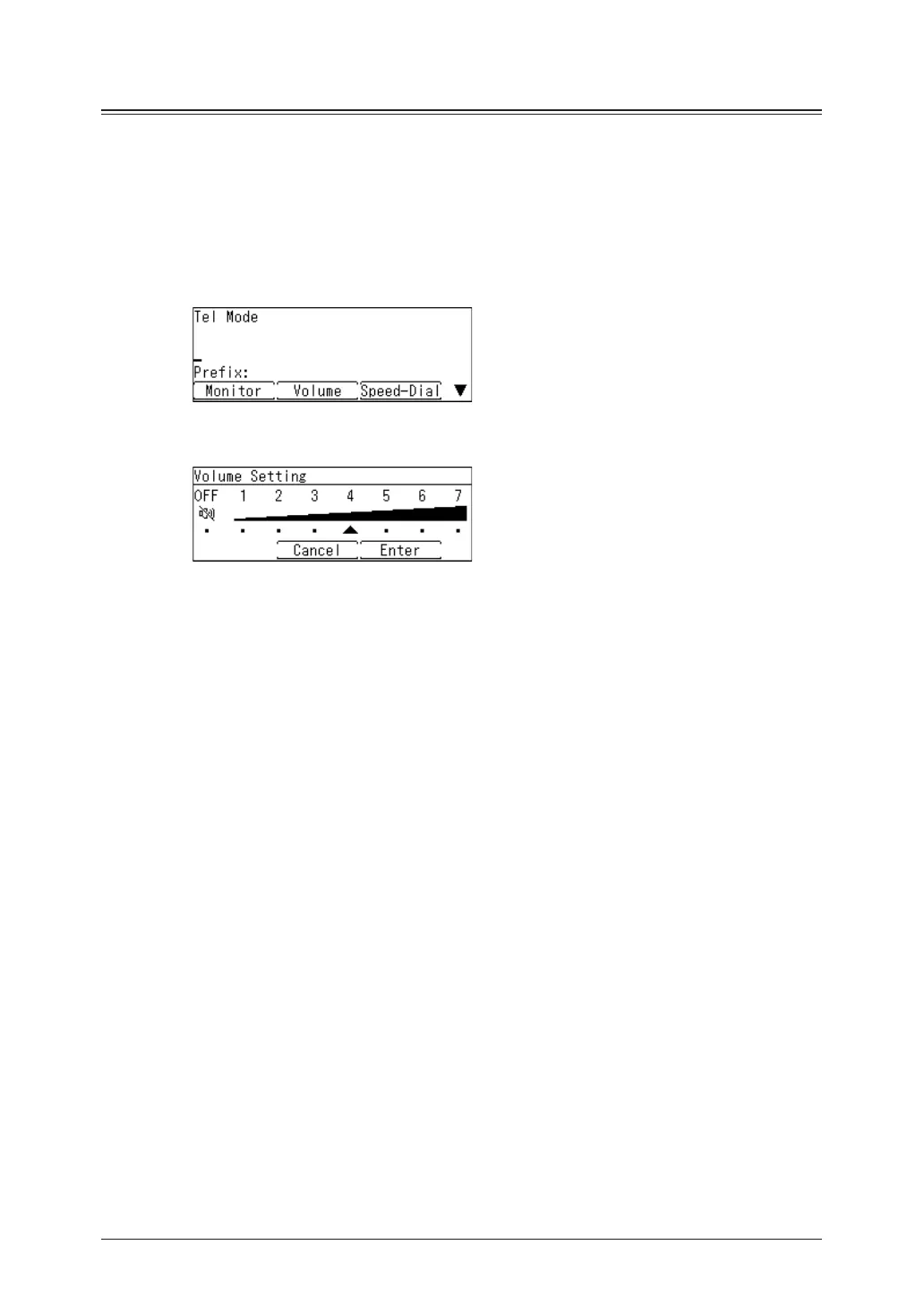
Press [Volume].
5
Select the desired volume using the cursor key, and press [Enter].
6
Press [Monitor] to hang up.



 To Next Page