1
2
3
4
Advanced fax functions
Transmission related settings 4-13
E-mail gateway (E Gateway)
You can transmit to a fax server as if you were transmitting to a regular telephone line.
The e-mail gateway settings need to be registered in advance.
For details on registering the e-mail gateway, see chapter 2, “Setting an e-mail gateway”
in “Specifying the network settings” in the Administrator’s Guide.
NOTE
This function cannot be used in the following cases:
•Real time transmission
•Closed transmission
•ID check transmission
•Attachingacoverpage
1
Load the document.
2
Press the mode change key to change to fax mode.
3
Press <Advanced>.
4
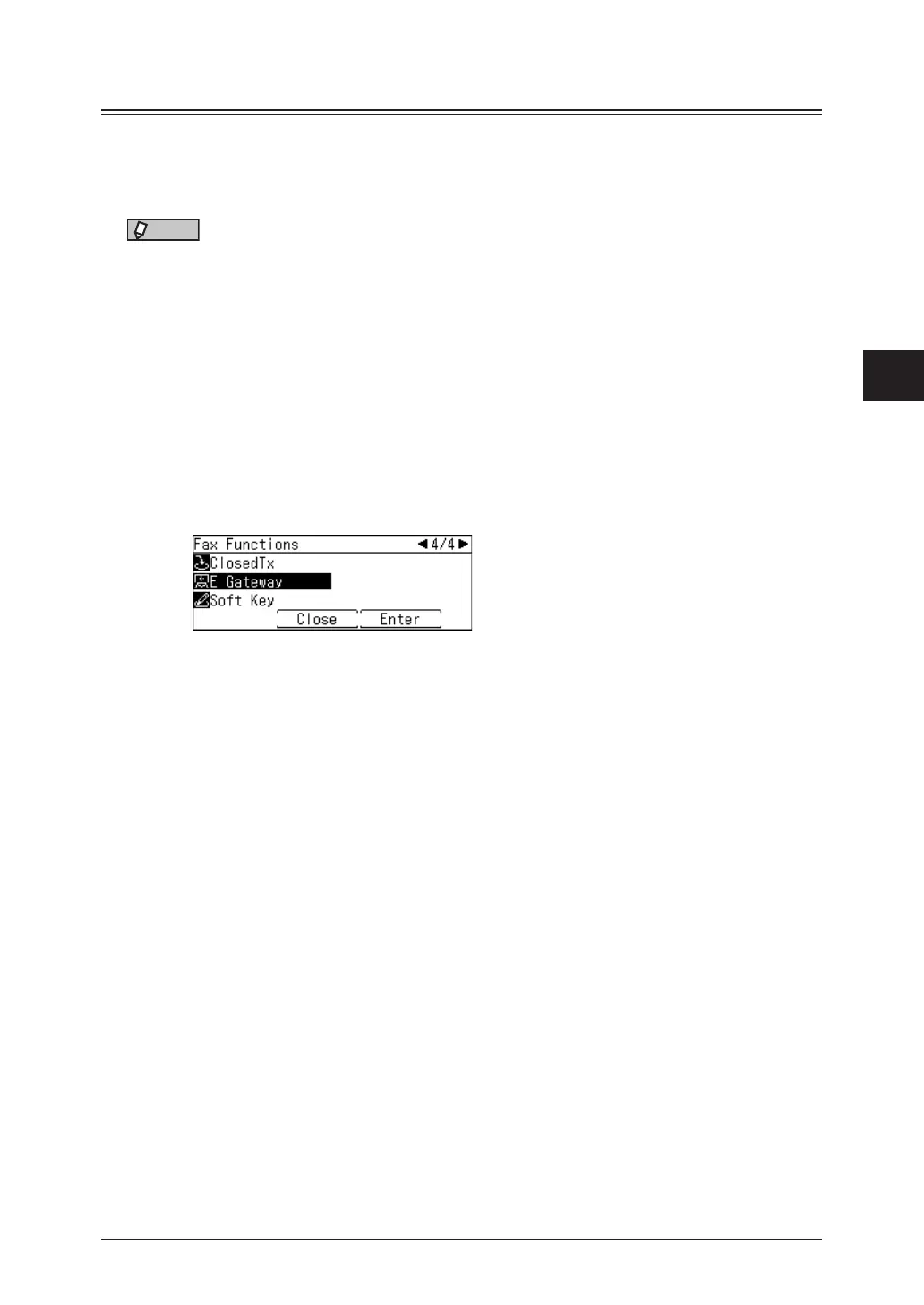
Select “E Gateway”, and press [Enter].
5
Select “ON”, and press [Enter].
Select “OFF” to deselect the setting.
6
Specify the destinations, then press <Start>.
For details on specifying the destinations, see “Specifying destinations” (page 5-2).



 To Next Page