2-18 Advanced scan functions
Adjusting the lightness
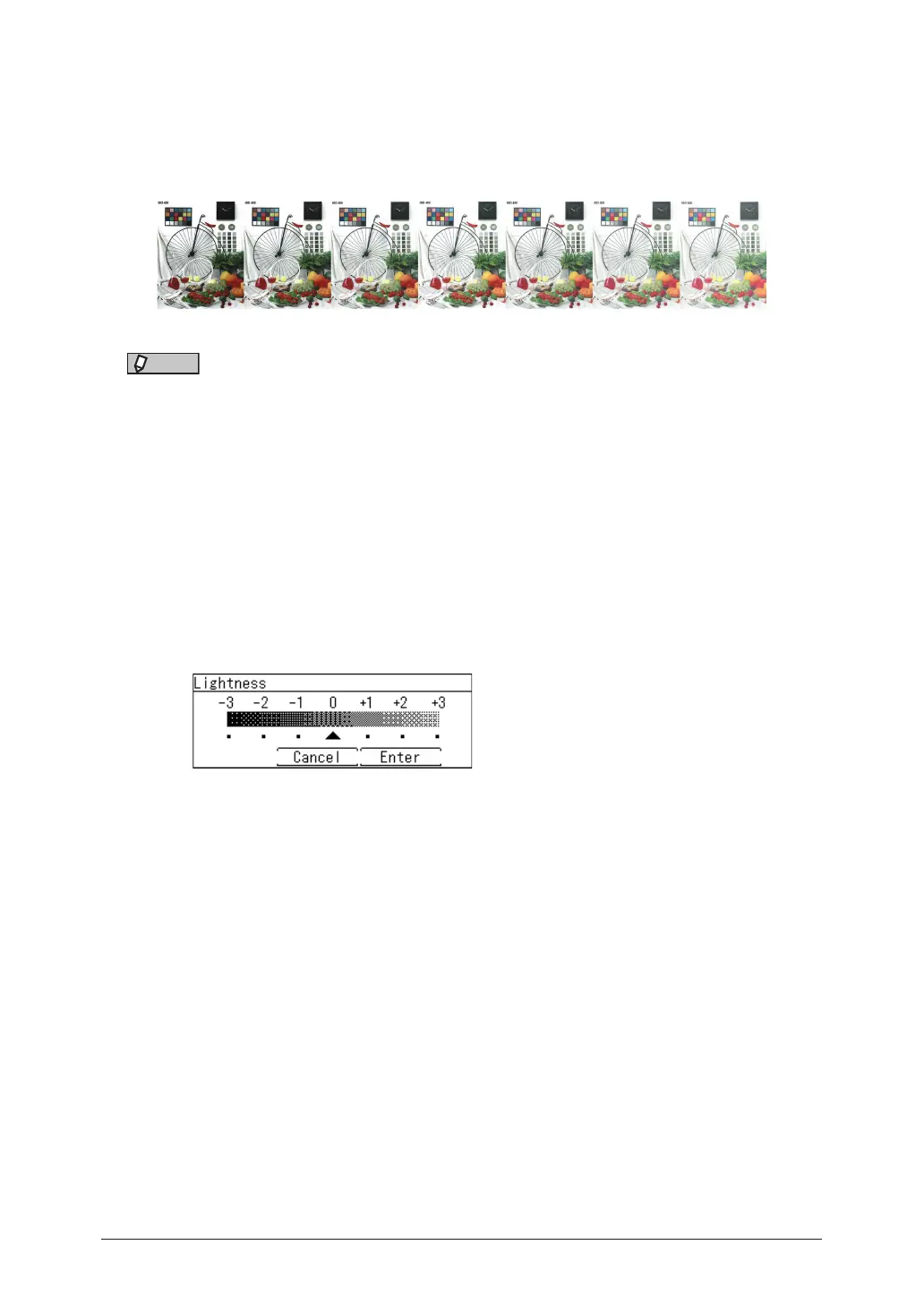
You can set the image lightness (brightness and darkness) to seven different levels, from
-3 (low) to +3 (high).
–: Darkens the entire image.
+: Lightens the entire image.
-3 -2 -1 0 +1 +2 +3
NOTE
To adjust lightness, set the contrast to “Normal”. For details, “Setting the contrast
(Contrast)” (page 2-5).
1
Press the mode change key to change to scan mode.
2
Press <Advanced>.
3
Select “Color Adjust”, and press [Enter].
4
Select “Lightness”, and press [Enter].
5
Select the lightness, and press [Enter].
6
Press [Close] repeatedly until the “Scan Ready” screen is displayed.
7
Specify the destinations, and press <Start>.
For details on the procedure, see “Basic scanning” (page 1-2).



 To Next Page