1
2
3
4
Advanced fax functions
Transmission related settings 4-9
Printing the cover page
To confirm that the cover page is set correctly, print a sample cover page from your
machine.
1
Press <Menu>.
2
Press [Setting].
3
Select “List”, and press [Enter].
4
Select “Cover Page”, and press [Enter].
5
Select a document number you want to print, and press [Enter].
6
Press [Yes].
Press [Paper save] to switch duplex printing ON/OFF.
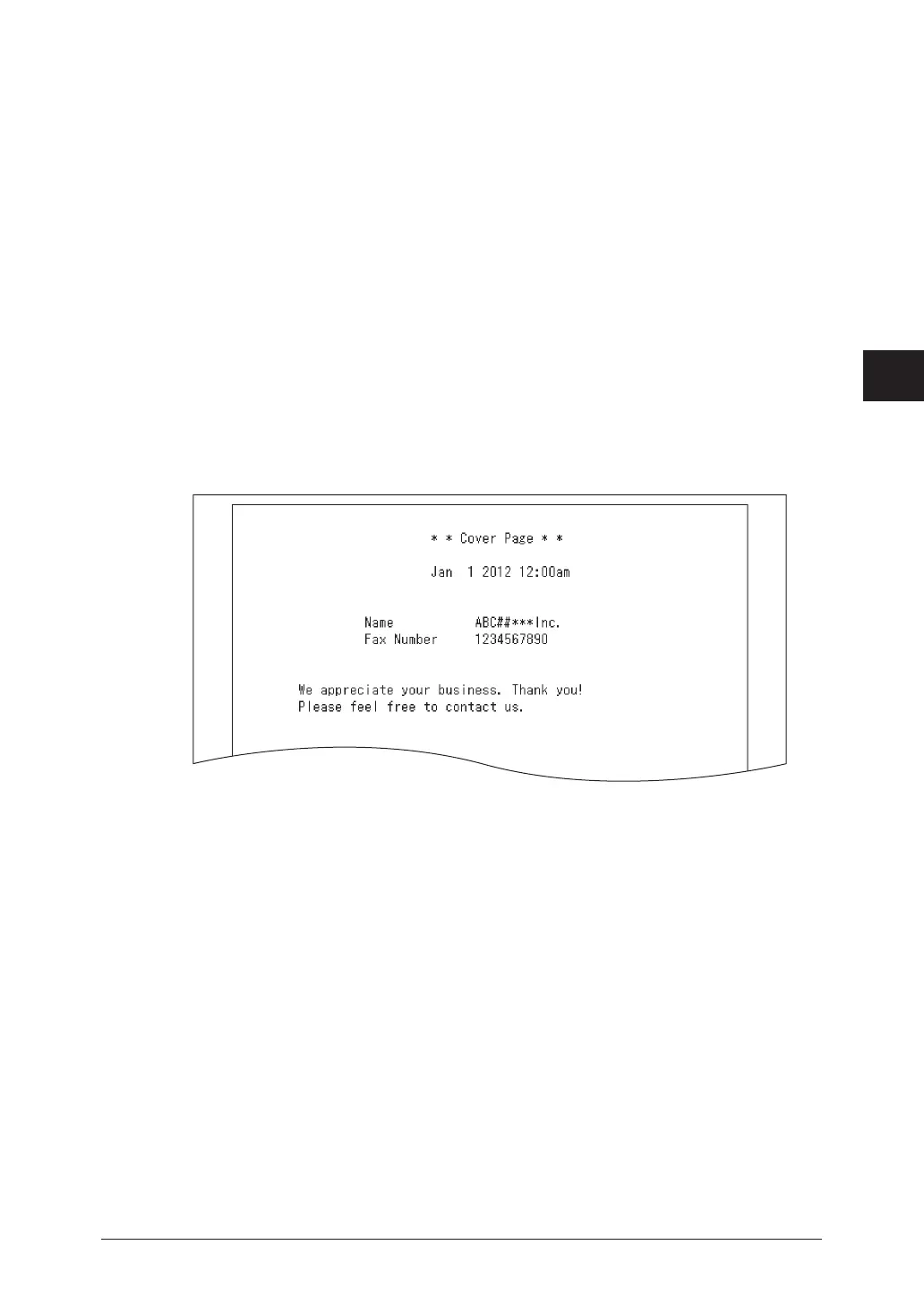
Printout sample
The name and fax number that are registered in the initial setup will be printed.
For details on the initial setup, see “Initial setup (User Install)” (page 7-9).



 To Next Page