VJ-2638/1638X/1938WX/1638WX OPERATION MANUAL Before using
3.7 Connecting the printer to PC 181
3.7.3 Connecting a network interface cable
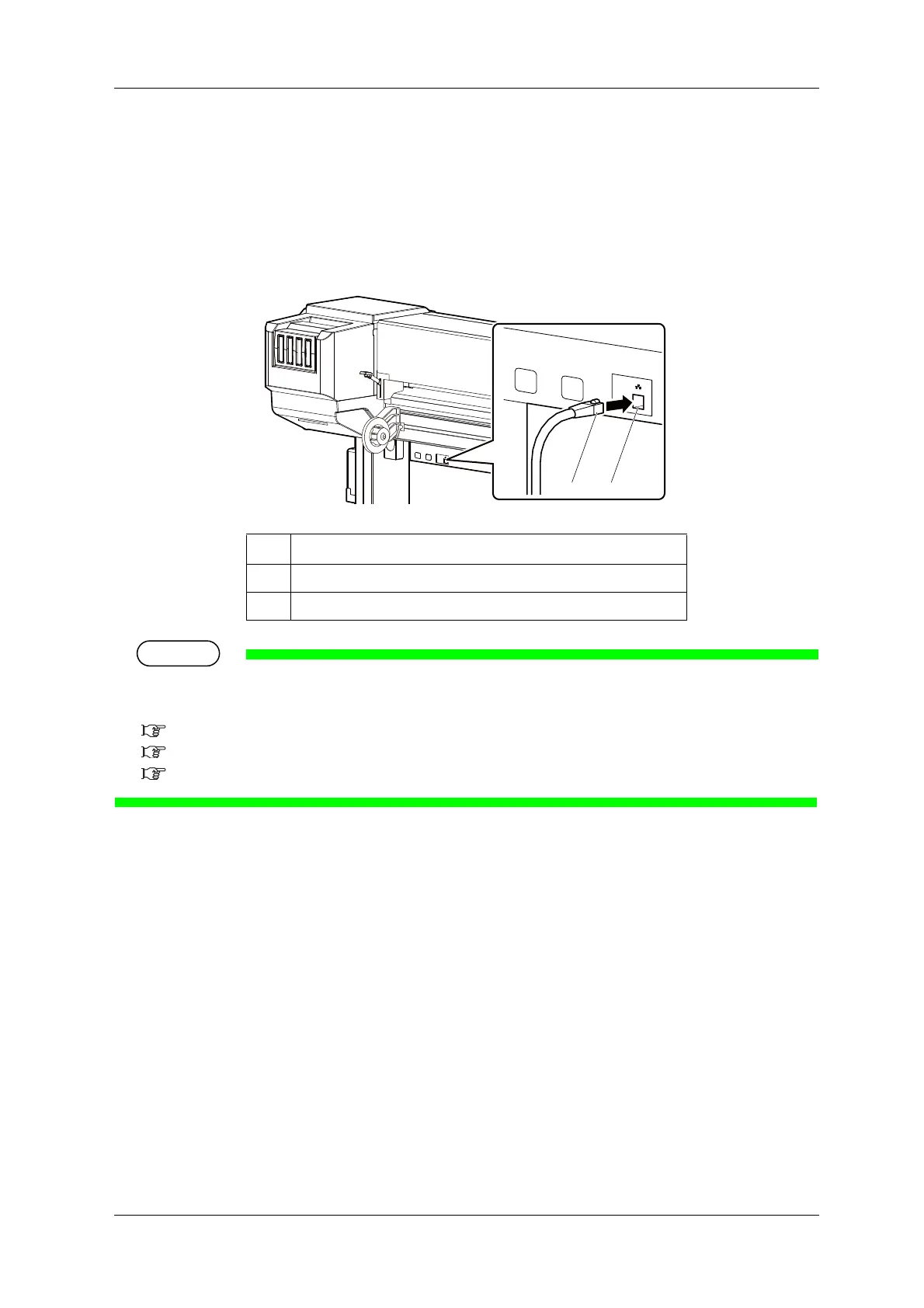
This section explains how to connect a network interface cable.
Follow the procedure below to connect this printer to your PC.
1. Connect the other connector of the network interface cable to your PC.
About connecting to your PC, refer to the operation manual included with the PC.
For network setting of the printer, refer to the following.
5.1.23 IP Address menu
5.1.24 Subnet Mask menu
5.1.25 Gateway menu
No. Name
1 Network interface cable
2 Network interface cable connector




 To Next Page