4.3 EtherNet/IP master settings
4-8
Setting of EtherNet/IP driver
To use "RsNetworx for EtherNet/IP", the driver is set by using “RSLinx Classic Lite” (“RsNetworx for
EtherNet/IP” attachment tool)".
After setting the driver, the connection from the personal computer to the EtherNet/IP network becomes
possible.
1
Set "Execute Mode" to "Configuration", referring to "4.3.2 EtherNet/IP (Master)
Settings".
The following operations should be done with the personal computer.
2
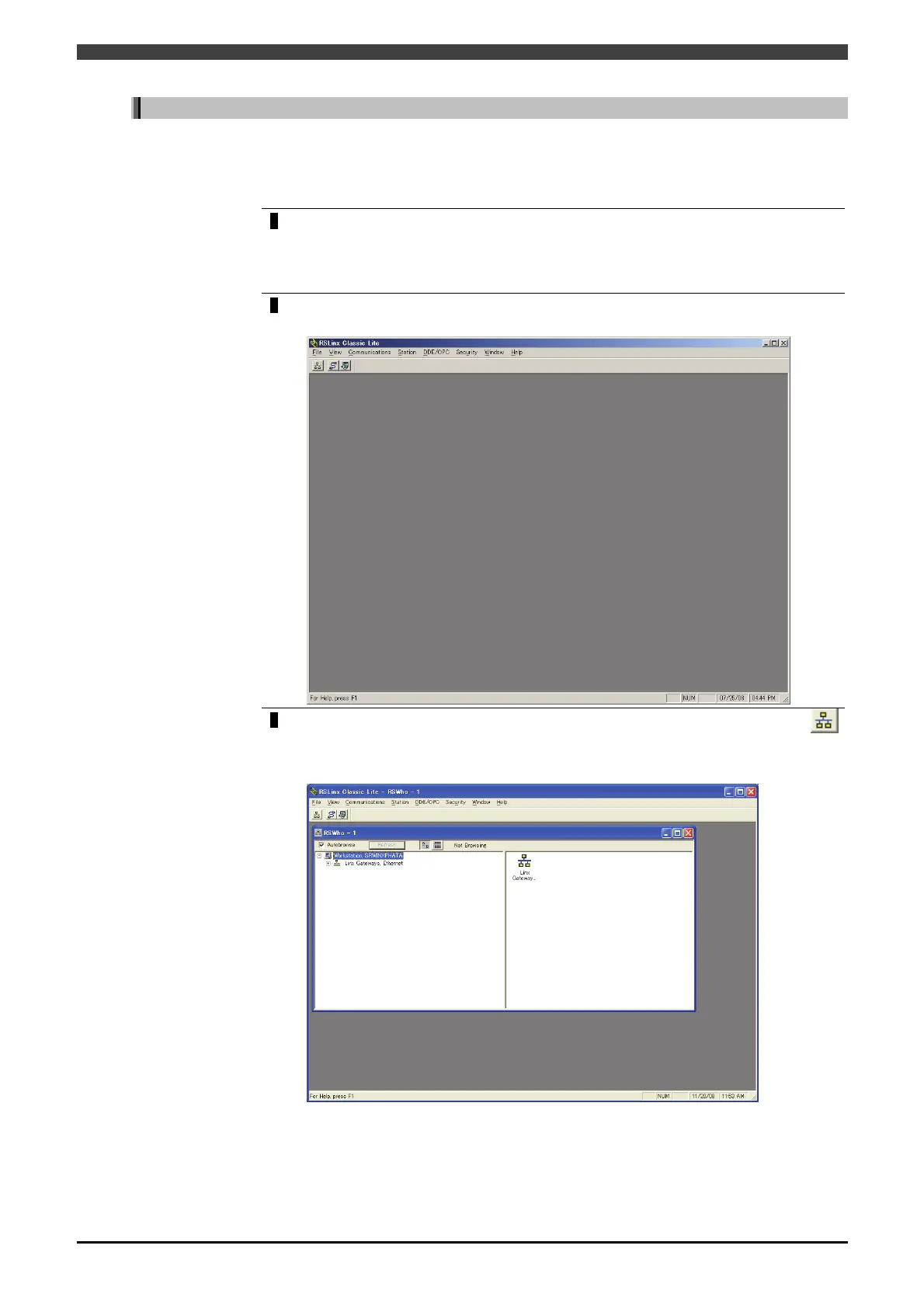
“RSLinx Classic Lite” is started with a personal computer.
>> The following screen will appear.
3
Select “Communications->RSWho” in the Menu, or click the icon “RSWho”
on the upper left of the screen.
Then, the RSWho window starts as shown below.



 To Next Page