4.3 EtherNet/IP master settings
4-10
6
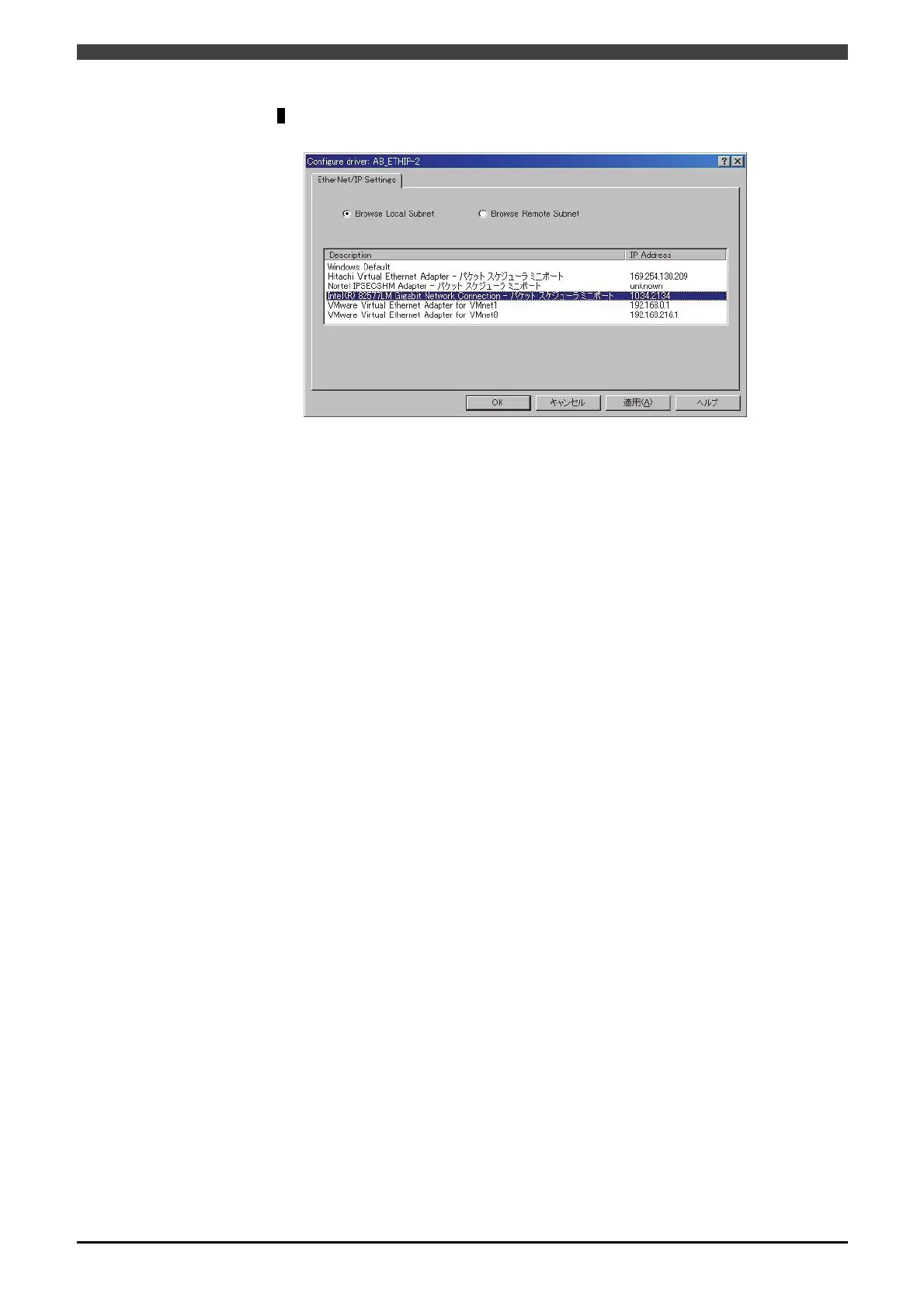
Select the “Browse Local Subnet” and then select 1 port from the list of ports
connected to the Ethernet/IP scanner and then press [OK].
(This list Is just an example)
The IP address must be set so that its network is the same with that of the robot
controller. (This screen cannot be used to set the IP address).



 To Next Page