4.3 EtherNet/IP master settings
4-12
7
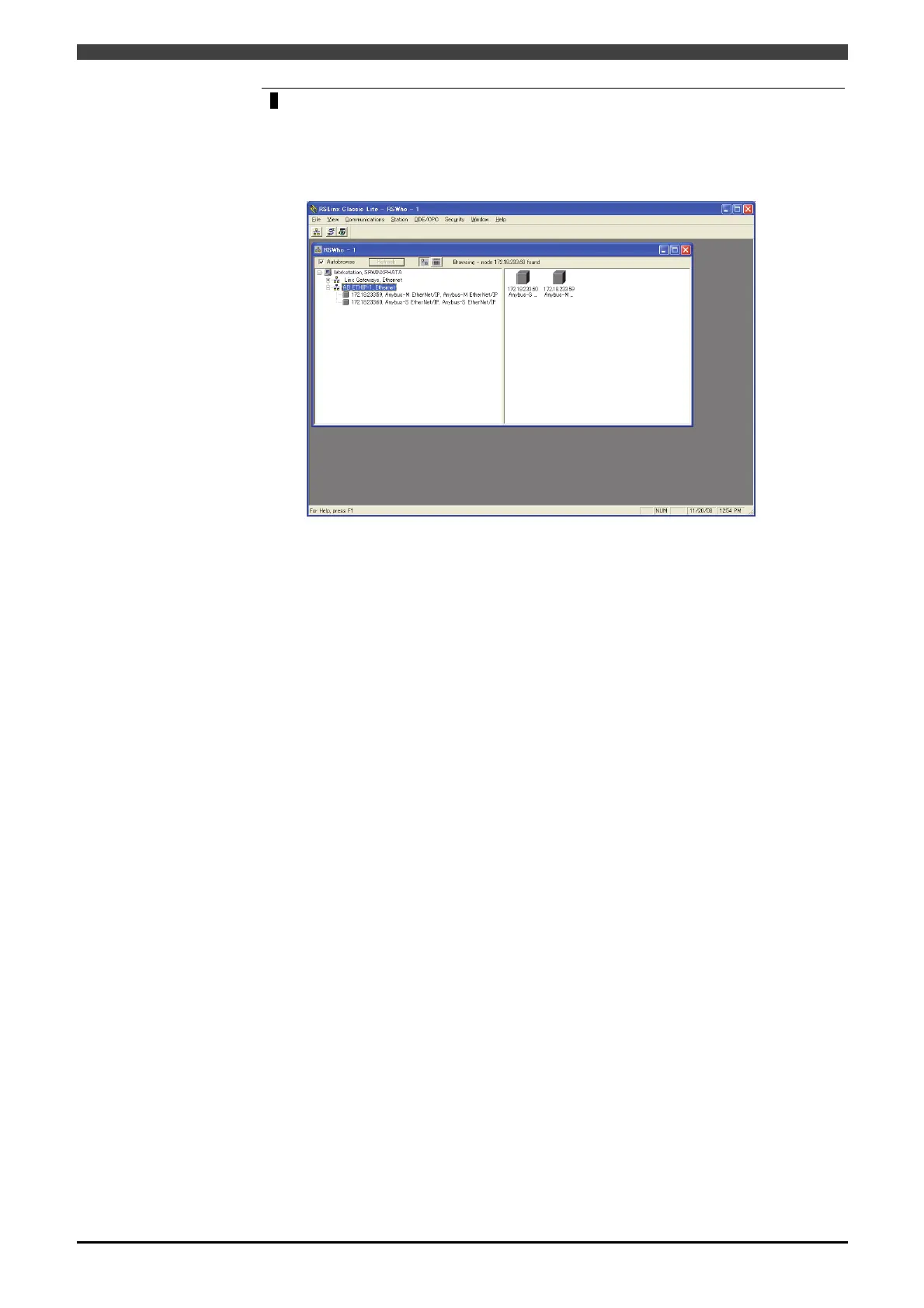
Finish the setting of RSLinx Classic.
As shown below, all the masters and slaves of the EtherNet/IP network appear. The
displayed icon may be indicated as ‘??’ if EDS files corresponding to the module have
not been added by RSNetWorx. However, the icon will change from ‘??’ to be
displayed after setting as shown below.
Thus, the network setting in RSLinx Classic completes.



 To Next Page