4.3 EtherNet/IP master settings
4-15
5
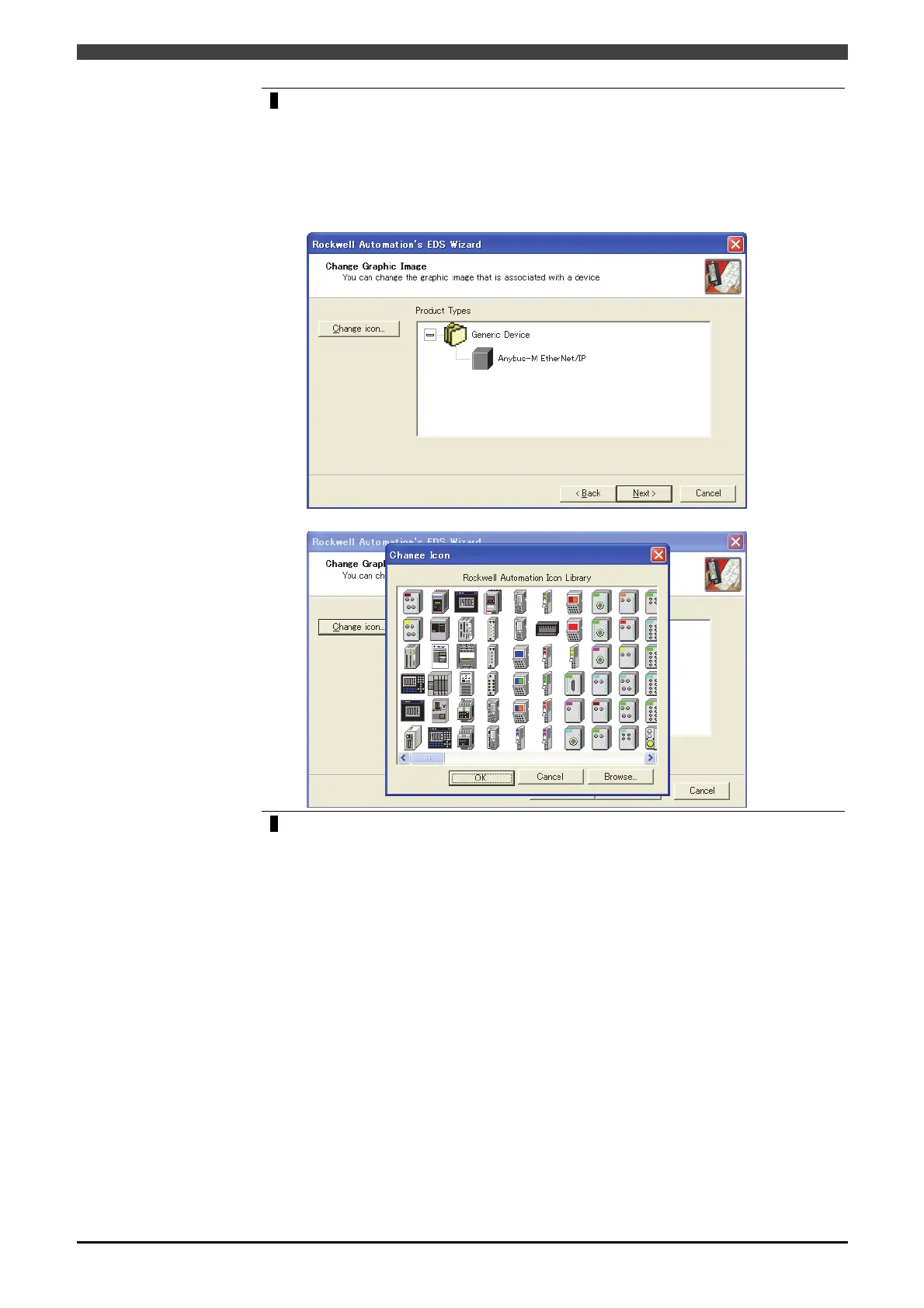
It is available to change the icon on the Change Graphic Image screen.
As the change of icon does not affect the robot performance, configure the setting as
you choose. On completion of setting, press “Next”.
Click "Change icon" with “Anybus-M EtherNet/IP” selected from Product
Types, the list of the icon is displayed. Select necessary icons, and click “Next”
key.
6 Keep clicking “Next” until the message “You have successfully completed the EDS
Wizard.” appears.
On the screen “You have successfully completed the EDS Wizard., click “Complete”.
≫ The EDS files are to be added in the list “Hardware” when properly read into.



 To Next Page