4.3 EtherNet/IP master settings
4-21
16
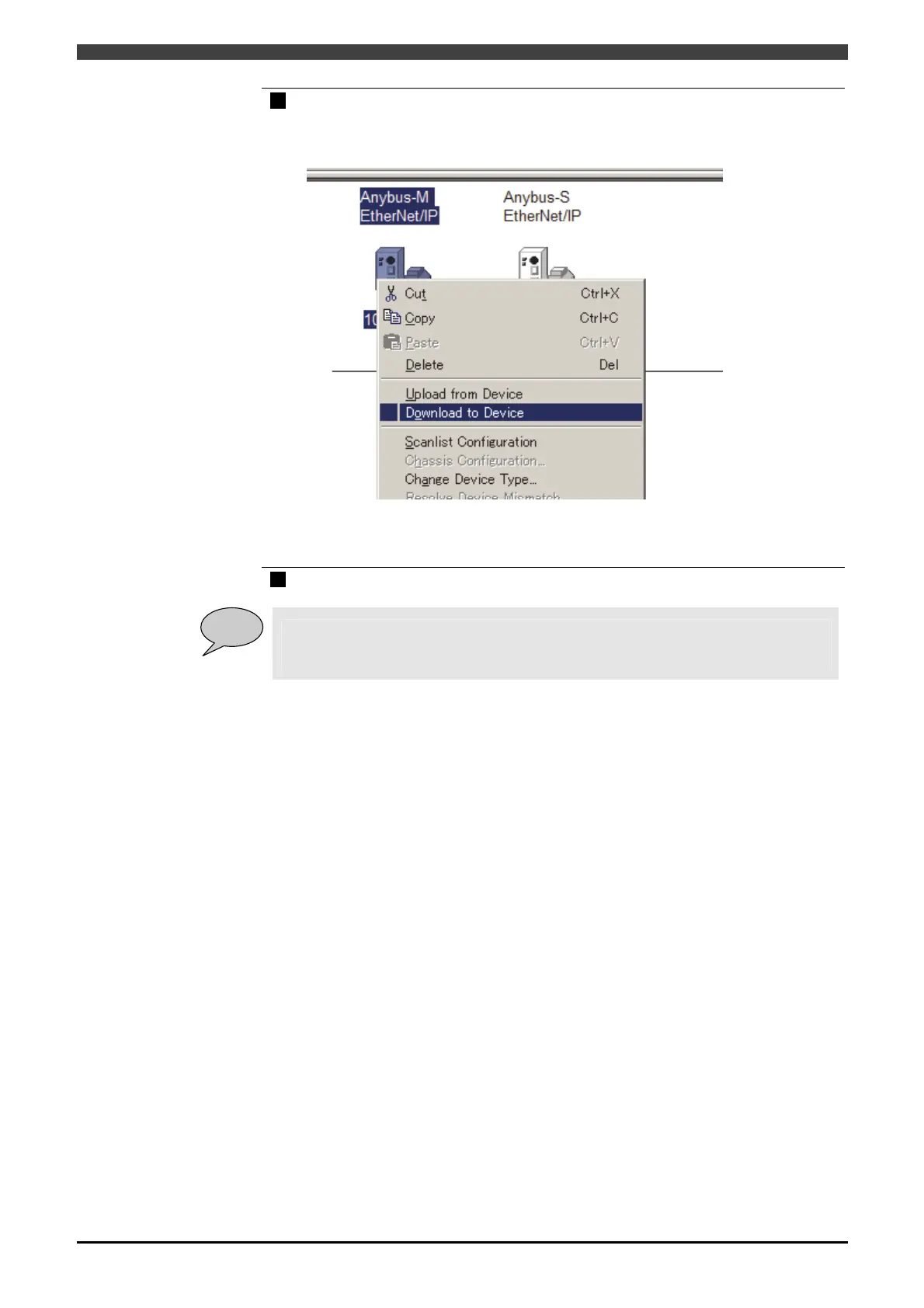
Right-click in the icon of master, and click "Download to Device".
>> The setting for “Scanlist Configuration” is to be downloaded into the master
module.
Wait until the progress bar moves up to the right, and the dialog disappears.
Thus, the setting for Scanlist by the RSNetWorx for EtherNet/IP is completed.
The following operation should be done with the teach pendant of this controller.
17
Set "Execute Mode" to "Run", referring to "4.3.2 EtherNet/IP (Master) Settings".
POINT
When the setting is properly done, and "Execute Mode" of master has been set to ”Run”,
the EIP MASTER and EIP SLAVE become "Device began scanned" on the fieldbus
monitor.



 To Next Page