VS1 Operations and Maintenance Manual Operating the transmitter
Issue 3.1 2013-10-01 Page 2-105
Firmware Update
From the front panel UI, you can update firmware used in the transmitter. To perform a firmware
update, select
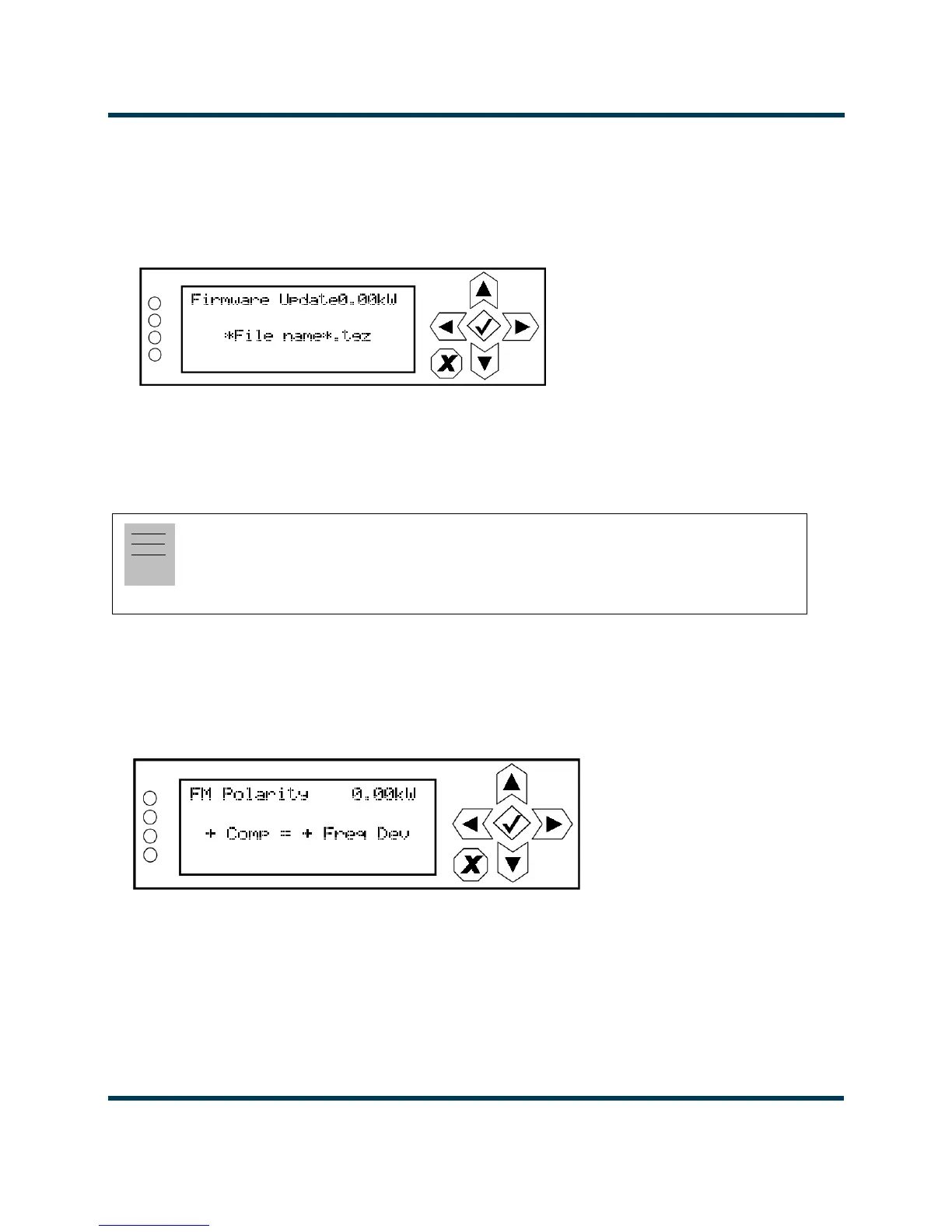
System Settings -> Firmware Update from the Main Menu (see Figure 2.93).
Figure 2.93: System Settings - Firmware Update
FM Polarity
From the front panel UI, you can set the FM polarity. To view the FM Polarity screen, select System
Settings -> FM Polarity
from the Main Menu (see Figure 2.94).
Figure 2.94: System Settings - FM Polarity Screen
Use the up and down buttons to toggle between + Comp = – Freq Dev and + Comp = + Freq Dev.
The default setting is
+ Comp = – Freq Dev . Press the accept (checkmark) button to save the change.
Press X to abort the change and return to the previous menu.
Note:
Adjusting FM polarity is used to synchronize transmitters for a single-frequency network. It
determines whether positive audio input results in positive or negative modulation. This feature is
only available using the front panel UI.



 To Next Page