VS1 Operations and Maintenance Manual Operating the transmitter
Issue 3.1 2013-10-01 Page 2-45
Viewing Real-Time Meters
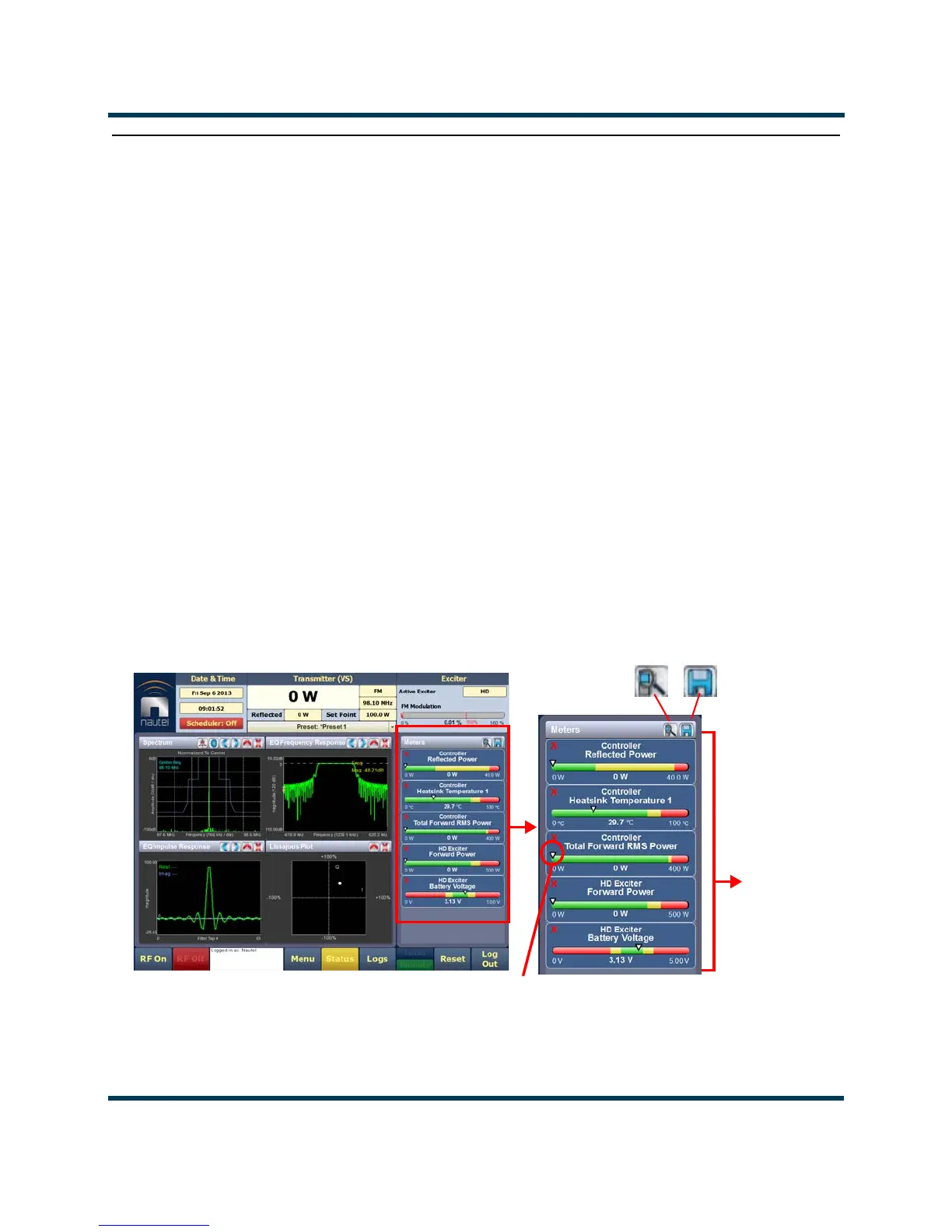
The AUI can be used to display metered parameters on the Home page (see Figure 2.33), if selected
individually from the
Meters List View page or saved in a meter list layout and set to default.
This section includes the following topics:
• Describing the meter display on page 2-46
• Accessing meter information - see page 2-46
• Identifying meter information on a specific sub-device - see page 2-47
• Saving a meter list - see page 2-49
• View Meters - Using the front panel on page 2-50
You can view meters using the remote AUI (see Figure 2.32) or using the local front panel display
(see View Meters - Using the front panel on page 2-50).
Figure 2.32: Meters Page
Information
Buttons
Arrow
Selected
Meters
HOME PAGE
View
Save



 To Next Page