VS1 Operations and Maintenance Manual Operating the transmitter
Issue 3.1 2013-10-01 Page 2-155
Scheduler
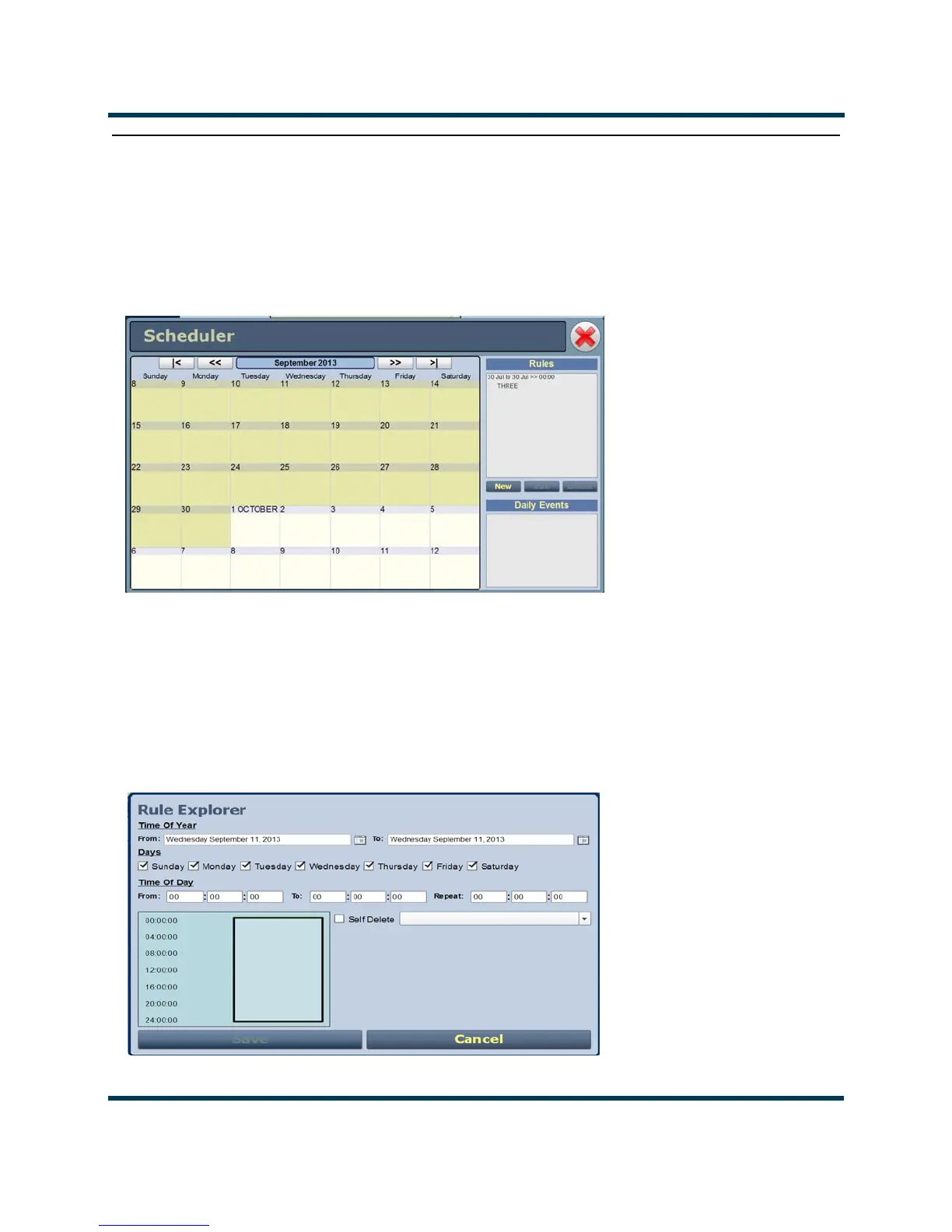
If the scheduler is enabled (see Enabling the Scheduler on page 2-156), you can program a yearly
preset schedule for the transmitter. Use the Scheduler page (see Figure 2.138) to set the dates and
times at which presets take effect. You can define as many different schedules as you desire. To view
the
Scheduler page, select Scheduler from the Menu options.
Figure 2.138: Scheduler page
The left-hand side of the Scheduler page displays a monthly calendar (e.g., May 2012). Use the <<
and >> buttons to navigate between months. Use the < and > buttons to navigate to the beginning
and the end of the schedule.
The right-hand side of the Scheduler page contains a Rules section and a Daily Events section.
Clicking on a specific date in the monthly calendar displays the rules and daily events, as applicable,
for that day.
Figure 2.139: Rule Explorer window



 To Next Page