VS1 Operations and Maintenance Manual Operating the transmitter
Issue 3.1 2013-10-01 Page 2-131
Setting call sign/ID
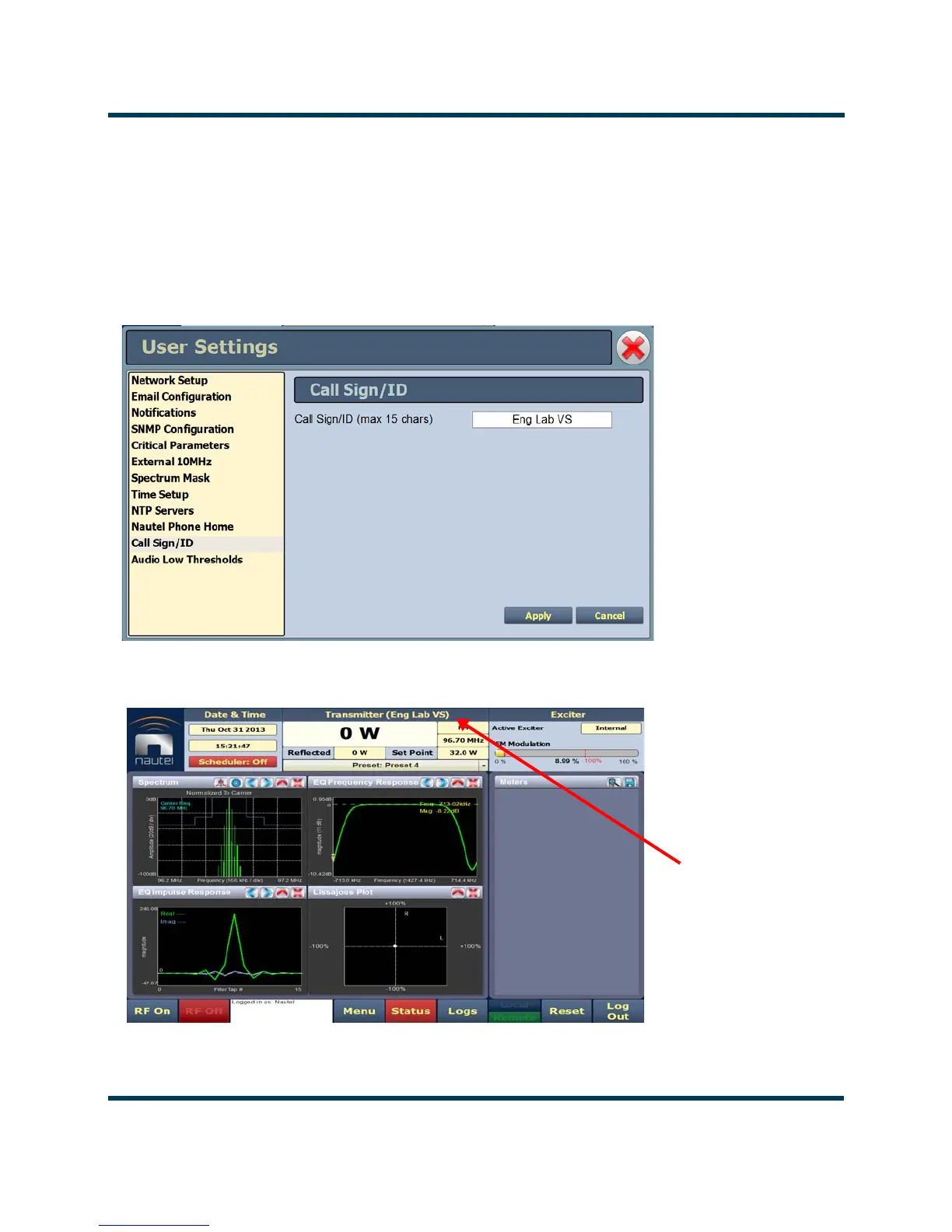
The Call Sign/ID screen (see Figure 2.114) allows users to set a name that identifies the transmitter
on the AUI. This identification will be displayed in brackets on the top transmitter banner of the AUI
(see Figure 2.115).
Enter the call sign or ID in the field and press Apply (maximum 15 characters in length).
Figure 2.114: User Settings - Call Sign/ID
Figure 2.115: Call Sign/ID - Top Banner
Call Sign/ID



 To Next Page