VS1 Operations and Maintenance Manual Operating the transmitter
Page 2-134 Issue 3.1 2013-10-01
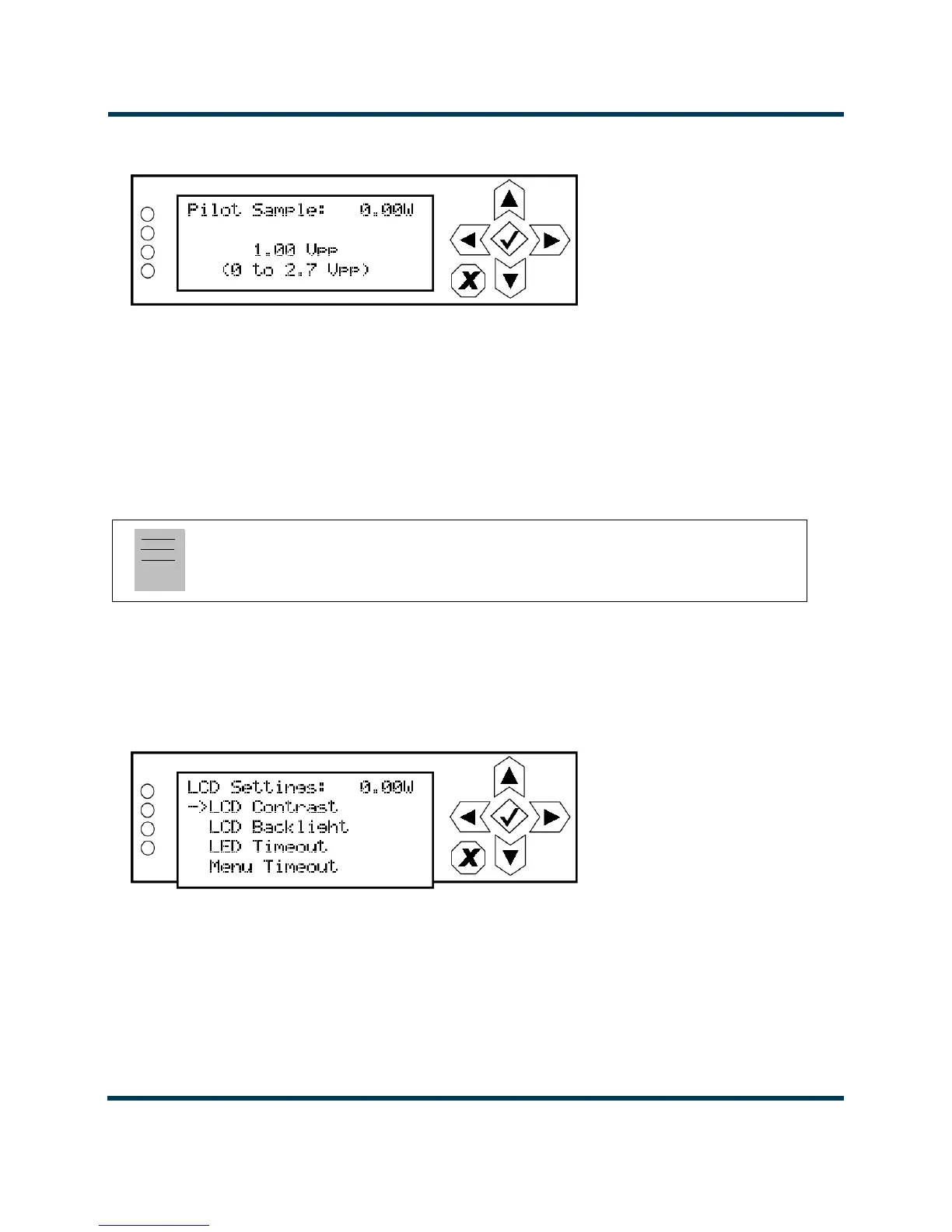
Figure 2.117: Pilot Sample Screen
Use the up and down buttons to edit the pilot sample level between 0 and 2.70 V peak-to-peak (in
0.01 V increments). Press the accept (checkmark) button to save the change. Press cancel (X) to
discard changes and return to the previous menu.
LCD Settings
From the front panel, you can configure the LCD display’s contrast, brightness and backlight settings.
To view the LCD Settings screen, select User Settings -> LCD Settings from the Main Menu (see
Figure 2.118).
Figure 2.118: LCD Settings Menu
Note:
LCD Settings is only available using the front panel display.



 To Next Page