VS1 Operations and Maintenance Manual Operating the transmitter
Page 2-162 Issue 3.1 2013-10-01
Adding an Audio Stream
1. From the Streams tab (see Figure 2.145 on page 2-161), click the Add button.
2. Use the drop-down menu to select the desired Type of audio stream - Shoutcast or
Livewire.
3. Enter the appropriate information for the audio server (Name and URL for Shoutcast;
Name and Channel for Livewire). Make sure the VS1 can access the location.
4. Click OK to add the audio stream or click Cancel to discard changes.
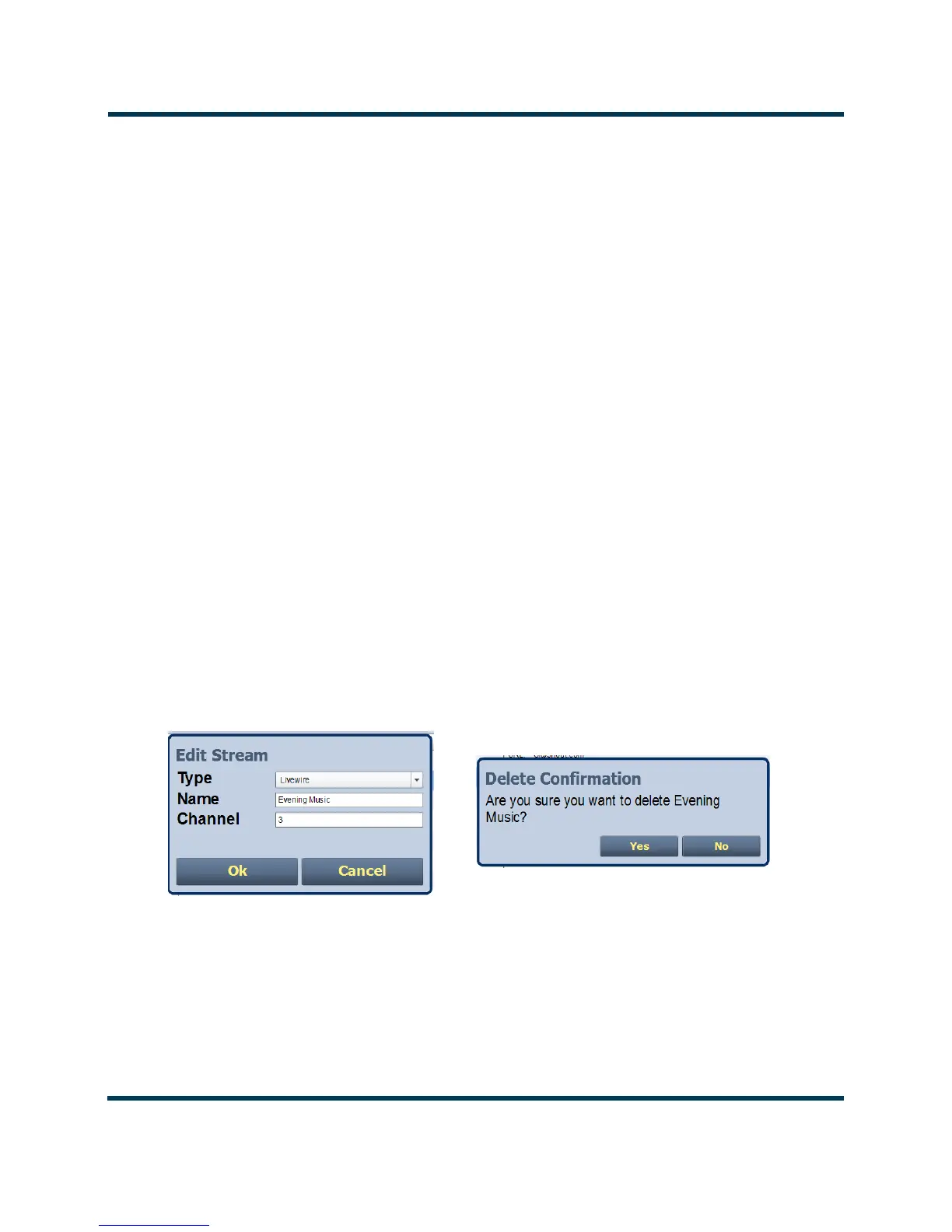
Editing or Deleting an Audio Stream
1. From the Streams tab (see Figure 2.146), select the desired audio stream from the list. Click
the Edit button to modify the audio stream or the Delete button to remove the audio
stream.
2. If you are editing an audio stream, enter the appropriate information for the audio server
(Name and URL for Shoutcast; Name and Channel for Livewire). Make sure the VS1 can
access the location.
3. Click OK to either edit or delete the audio stream, or click Cancel to discard changes.
Figure 2.146: Editing or Deleting an Audio Stream



 To Next Page