Issue 3.1 2013-10-01 Page 2-5
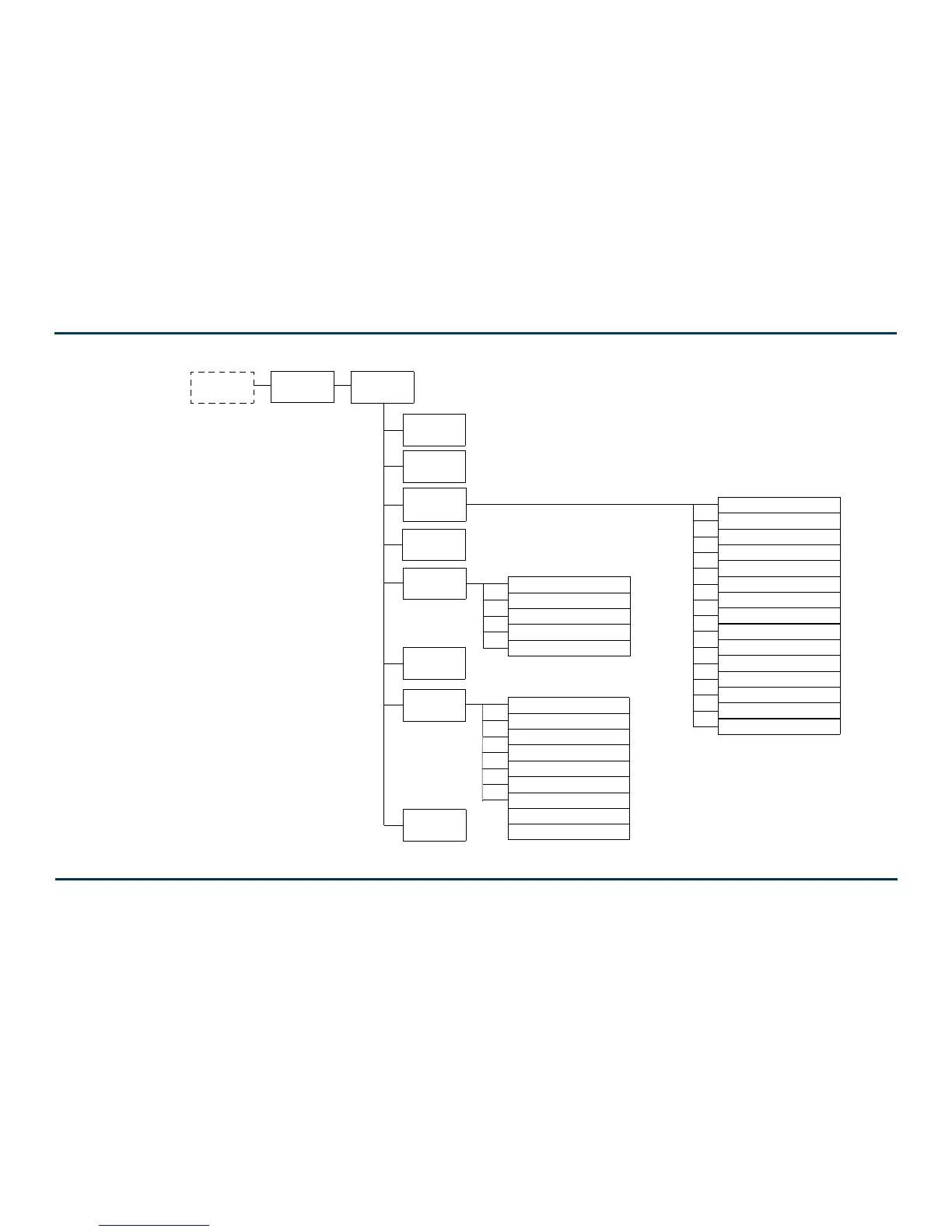
Figure 2-1: VS Transmitter Front Panel Display Menu Tree (Sheet 1 of 2)
Main Menu
(page 2-10)
Top Level
Status Screen
Select Preset
(page 2-67)
User Settings
(
page 2-133)
First Time
Setup Screens
RF On/Off
(page 2-11)
View Status
(see page 2-28)
displayed during
initial turn-on only
Help
Local/Remote
(page 2-90)
Reset Alarms
(page 2-28)
System Settings
(page 2-101
FRONT PANEL UI
View Alarms (page 2-28)
View Meters (page 2-50)
View Log (page 2-28)
Clear Log (page 2-28)
Thresholds (no user adjustment)
ARM Watchdog (page 2-102)
Console Select (no user adjustment)
Calibration (page 2-100)
RF Drive Source (page 2-103)
ARM Reset (page 2-103)
OS Recovery (page 2-104)
Edit Presets (see Figure 2-2)
Remote I/O (page 2-151)
Set Clock (page 2-127)
Network Settings (page 2-111)
Pilot Sample (page 2-133)
LCD Settings (page 2-134)
Signal Gen (page 2-136)
View SW Versions (page 2-29)
Station ID (page 2-138)
Ext. 10 MHz Input (page 2-123)
Audio Processor (page 2-165)
Scheduler (page 2-157)
FM Mask (page 2-140)
Audio Low (page 2-140)
Turn On Delay (page 2-142)
Ramp-up Speed (page 2-142)
Firmware Update (page 2-105)
FM Polarity (page 2-105)



 To Next Page