VS1 Operations and Maintenance Manual Operating the transmitter
Issue 3.1 2013-10-01 Page 2-21
AUI Menu page
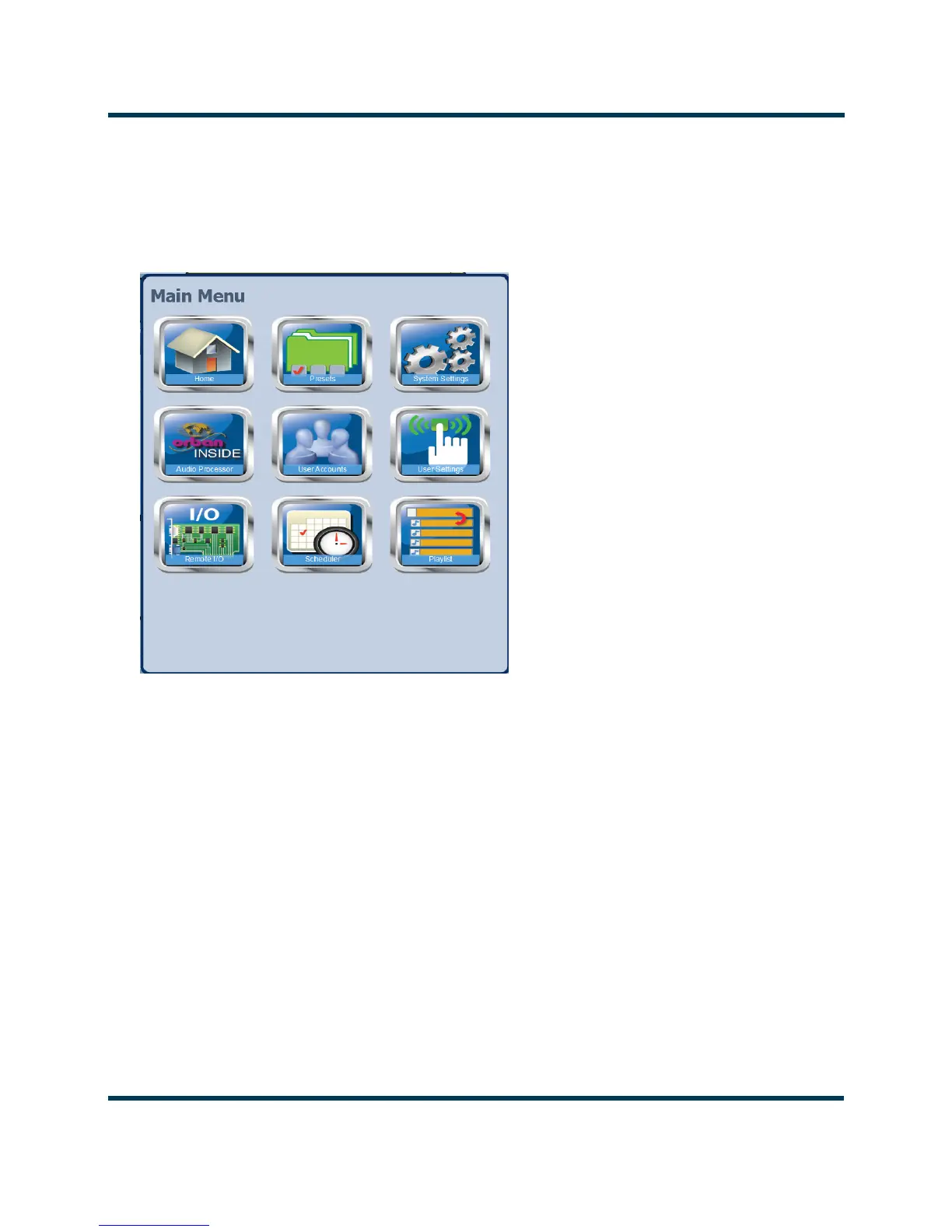
From the home page, click the Menu button to view the Menu page (see Figure 2.8). From this page,
you can select one of the following sub-menus:
Figure 2.8: Main Menu Page
• Select Home to return to the home page (see AUI pages on page 2-20).
• Select
Presets to load, edit, or save presets (see Managing Presets on page 2-51).
• Select System Settings to access pages that allow rebooting of the AUI or active exciter, cal-
ibration of the exciter TCXO, upgrading of software files and calibration of audio inputs (see
System Settings - AUI on page 2-92).
• Select User Accounts to access a page that displays a list of users with access to the AUI.
Depending on the user’s permission level, allows editing of user accounts (see Setting User
Accounts on page 2-106).



 To Next Page