CHAPTER 8 USB FUNCTION
User’s Manual U12978EJ3V0UD
126
Notes 1. Be sure to follow the exact instruction sequence when the Resume signal (“K” state) is output.
SET1 REMWUP.3 ; (PULLDM ← 1)
CLR1 REMWUP.2 ; (PULLDP ← 0)
MOV A, #00000111B ; (A ← 00000111B)
SET1 REMWUP.1 ; (PULLEN ← 1)
SET1 REMWUP.0 ; (WAKEUP ← 1), “J” state output
MOV REMWUP, A ; (REMWUP ← A), “K” state output
2. Be sure to follow the exact instruction sequence to append EOP when terminating Resume output.
CLR1 REMWUP.0 ; (WAKEUP ← 0) , Resume output end
CLR1 REMWUP.1 ; (PULLEN ← 0)
CLR1 REMWUP.2 ; (PULLDP ← 0)
SET1 REMWUP.3 ; (PULLDM ← 1)
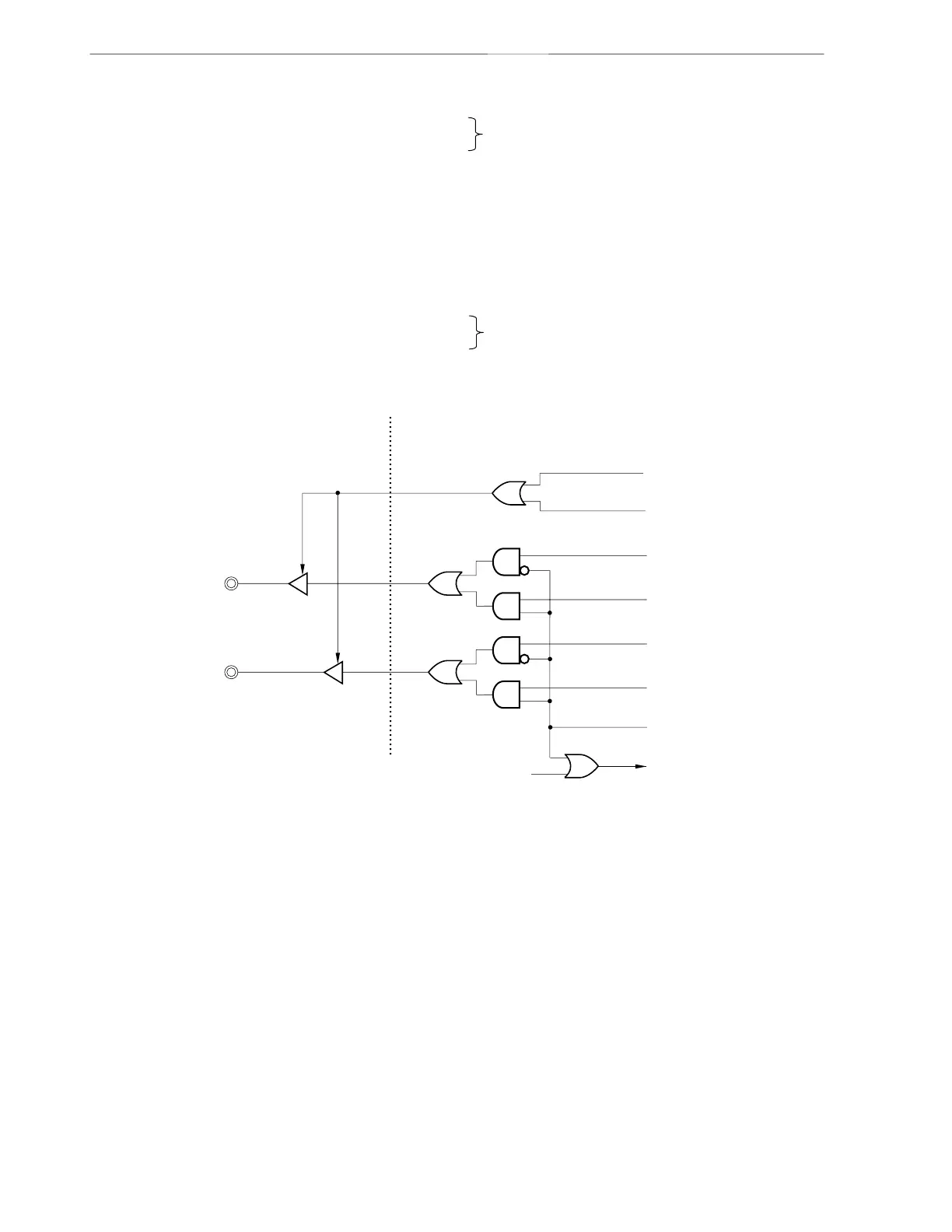
Figure 8-22. Configuration of Remote Wakeup Control
TXEN
Note
WAKEUP (REMWUP.0)
PULLDP (REMWUP.2)
Transmit data (+ side)
Transmit data (- side)
PULLDM (REMWUP.3)
PULLEN (REMWUP.1)
<Analog part> <Function part>
D+ pin (USBDP)
D- pin (USBDM)
SEP, SEM disable signal
TX MASTER EN
Note
Note Because this signal is used internally, confirmation by software is not possible.
“J” state generation
“J” state generation



 To Next Page