CHAPTER 9 SERIAL INTERFACE 10
User’s Manual U12978EJ3V0UD
160
9.4.2 3-wire serial I/O mode
The 3-wire serial I/O mode is useful for connection of peripheral I/Os and display controllers, etc., which
incorporate a conventional synchronous serial interface, such as the 75XL Series, 78K Series, 17K Series, etc.
Communication is performed using three lines: the serial clock (SCK10), serial output (SO10), and serial input
(SI10).
(1) Register setting
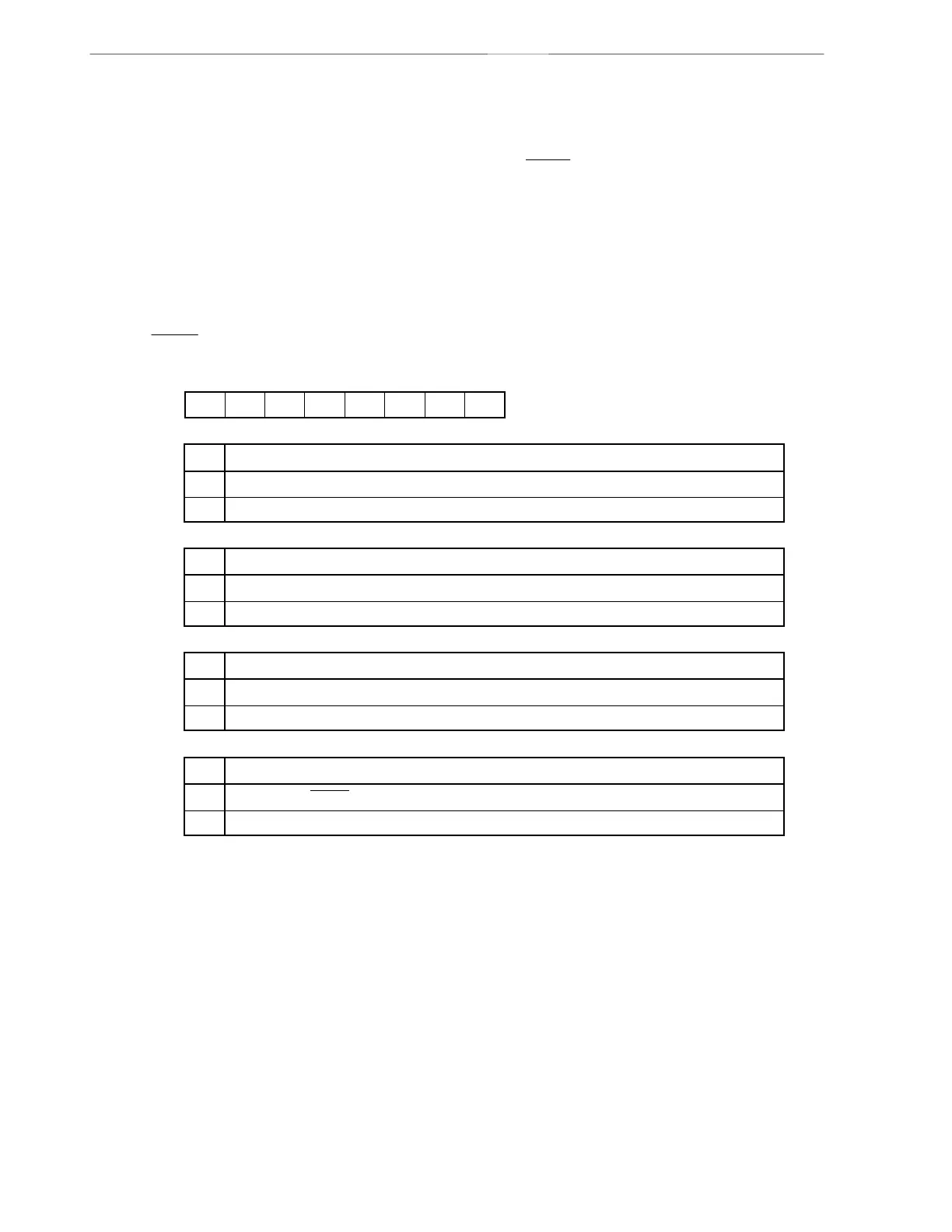
3-wire serial I/O mode settings are performed using serial operating mode register 10 (CSIM10).
(a) Serial operation mode register 10 (CSIM10)
CSIM10 is set with a 1-bit or 8-bit memory manipulation instruction.
RESET input sets CSIM10 to 00H.
CSIE10
0
1
Operation control in 3-wire serial I/O mode
CSIE10
00
TPS100
0 DIR10
CSCK10
0CSIM10
Symbol
Address After reset R/W
FF72H 00H R/W
<7>6543210
Operation disabled
Operation enabled
TPS100
0
1
Count clock selection when operation enabled in 3-wire serial I/O mode
f
X
/2
2
f
X
/2
3
DIR10
0
1
Start bit specification
MSB
LSB
CSCK10
0
1
Clock selection in 3-wire serial I/O mode
Clock input to SCK10 pin from external
Internal clock selected by TPS100
Caution Bits 0, 3, 5, and 6 must be set to 0.



 To Next Page