E2600 Controller-Drive Tray Installation Guide 109
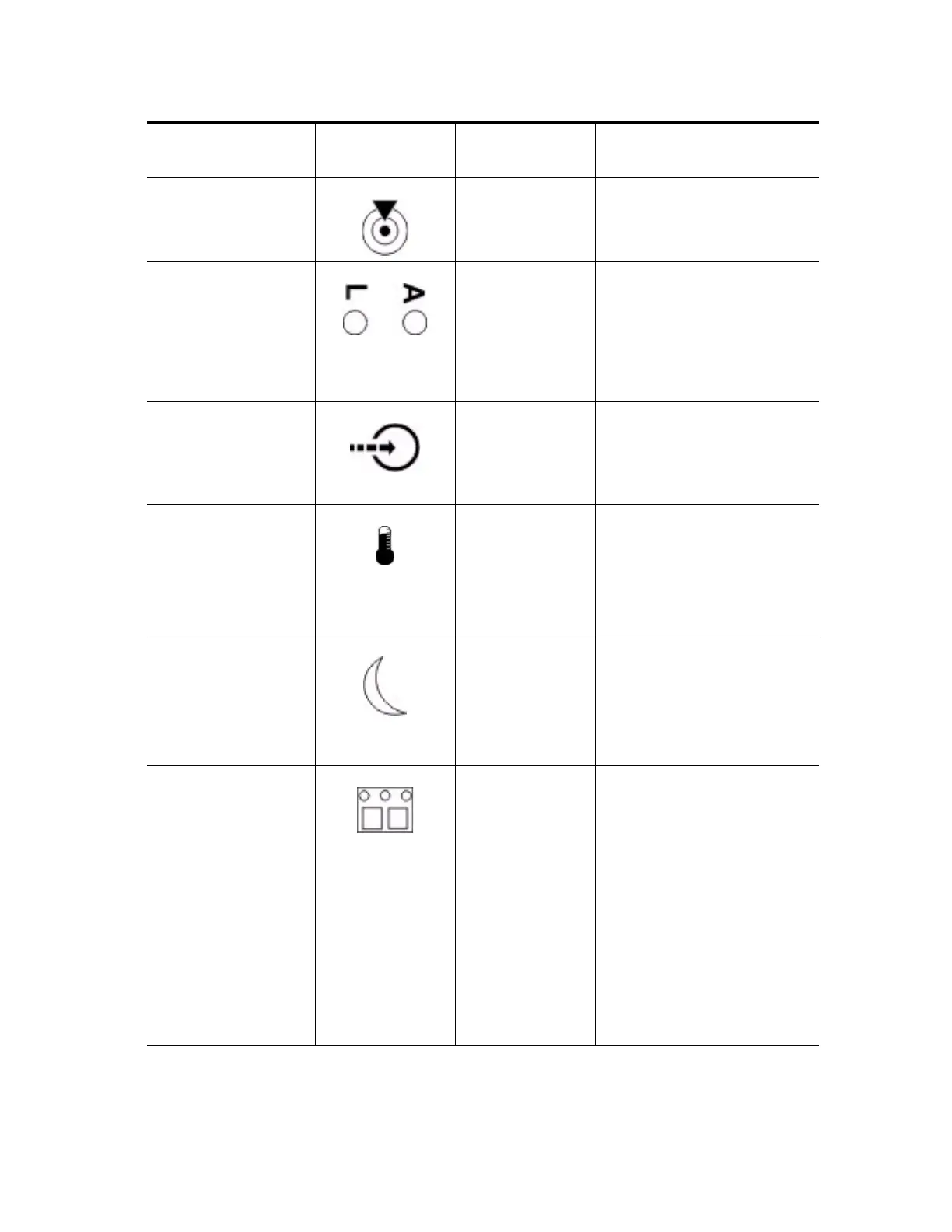
Locate Front frame On – Assists in locating the tray.
Host Channel
Connection (iSCSI)
Controller The status of the host channel is
indicated:
“L” LED on – A link is
established.
“A” LED on – Activity (data
transfer) is present.
Cache Active Controller The activity of the cache is
indicated:
On – Data is in the cache.
Off – No data is in the cache.
Controller-Drive Tray
Over-Temperature
Front bezel on the
controller-drive tray
On – The temperature of the drive
tray has reached an unsafe
condition.
Off – The temperature of the
drive tray is within operational
range.
Standby Power Front bezel on the
controller-drive tray
On – The controller tray is in
standby mode and the main DC
power is off.
Off – The controller-drive tray is
not in standby mode and the main
DC power is on.
Seven-Segment ID
Diagnostic Display
Controller The tray ID or a diagnostic code
is indicated (see “Things to Know
– Dynamic Display Sequence
Definitions on the Seven-Segment
Display”).
For example, if some of the cache
memory dual in-line memory
modules (DIMMs) are missing in
a controller, error code L8
appears in the diagnostic display
(see “Things to Know –
Supported Diagnostic
Lock-Down Codes on the
Seven-Segment Display”).
LED Symbol
Location
(Canisters)
Function



 To Next Page