E2600 Controller-Drive Tray Installation Guide 119
Table 34 LEDs on the Fan Canister
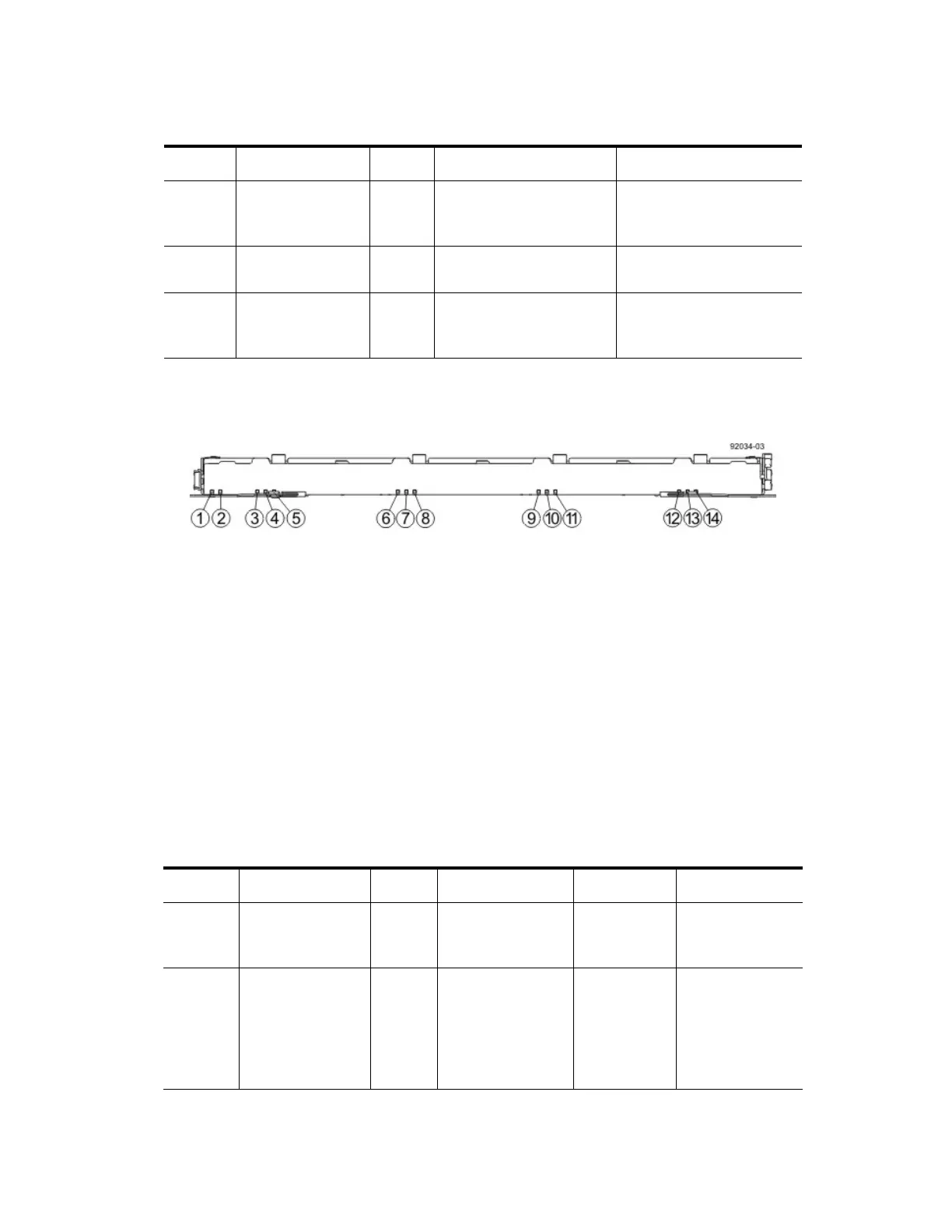
LEDs on the DE6600 Drive Drawers
LEDs on the Drawer
1. Drive Drawer Status Service Action Required LED
2. Drive Drawer Status Service Action Allowed LED
3. Drive 1 Activity LED
4. Drive 2 Activity LED
5. Drive 3 Activity LED
6. Drive 4 Activity LED
7. Drive 5 Activity LED
8. Drive 6 Activity LED
9. Drive 7 Activity LED
10. Drive 8 Activity LED
11. Drive 9 Activity LED
12. Drive 10 Activity LED
13. Drive 11 Activity LED
14. Drive 12 Activity LED
Table 35 LEDs on the Drawer
Location LED Color On Off
1 Fan Power Green Power from the fan
canister is available.
Power to the fan
customer-replaceable unit
(CRU) is available.
2 Fan Service Action
Required
Amber A fault exists within the
fan canister.
Normal status.
3 Fan Service Action
Allowed
Blue The fan canister can be
removed safely from the
drive tray.
The fan canister cannot be
removed safely from the
drive tray.
Location LED Color On Blinking Off
1Drive Drawer
Service Action
Required
Amber An error has
occurred.
Normal status.
2Drive Drawer
Service Action
Allowed
Blue The drive canister
can be removed
safely from the
drive drawer in the
drive tray.
The drive canister
cannot be
removed safely
from the drive
drawer in the
drive tray.



 To Next Page