E2600 Controller-Drive Tray Installation Guide 120
Table 36 Drive State Represented by the LEDs
LEDs on the DE6600 Drives
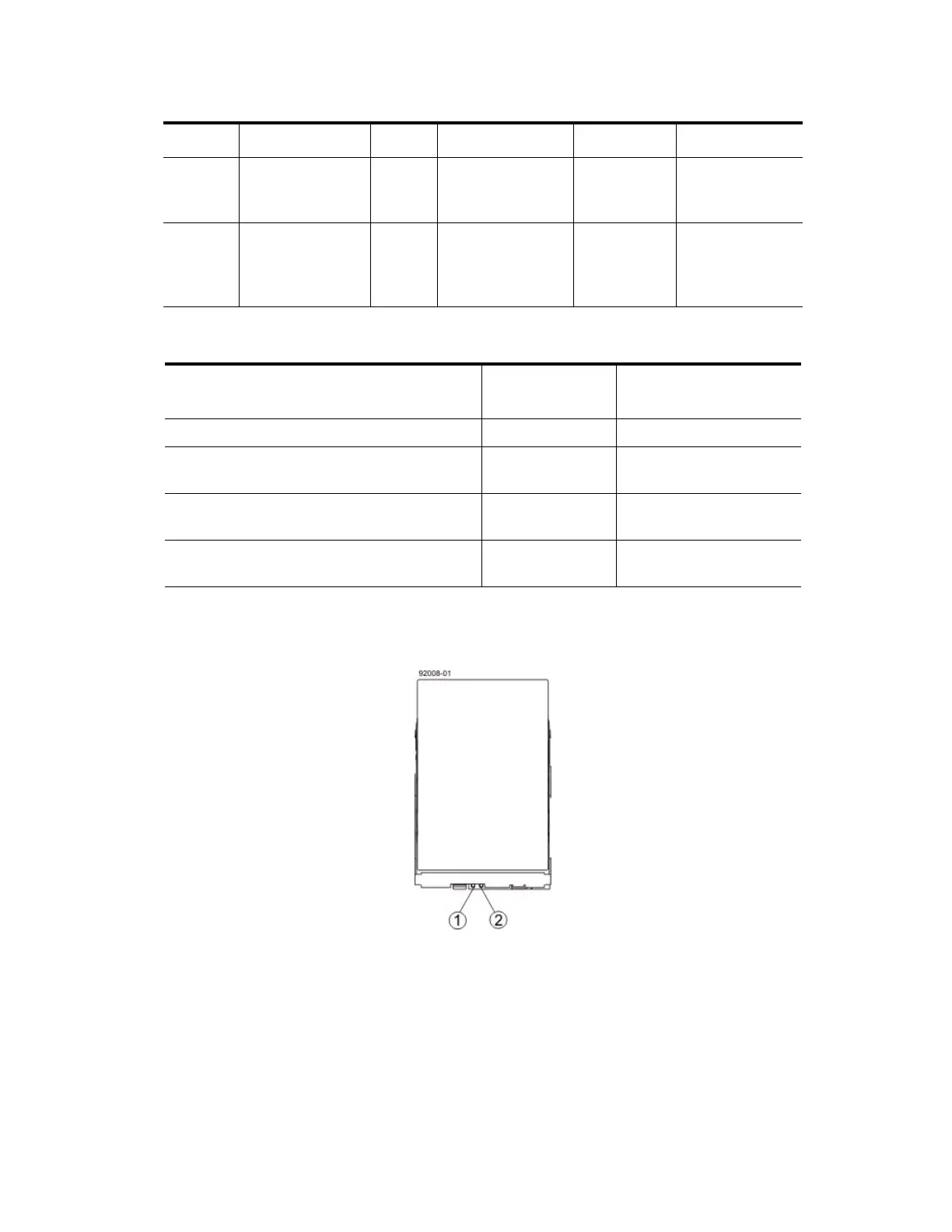
Figure 107 LEDs on the DE6600 Drive
1. Drive Service Action Allowed LED
2. Drive Service Action Required LED
2 Drive or Drawer
Service Action
Required
Amber An error has
occurred.
Normal status.
3–14 Drive Activity for
drives 1 through
12 in the drive
drawer
Green The power is turned
on, and the drive is
operating normally.
Drive I/O
activity is
taking place.
The power is
turned off.
Drive State
Drive Activity
LED (Green)
Drive Service Action
Required LED (Amber)
Power is not applied. Off Off
Normal operation – The power is turned on, but
drive I/O activity is not occurring.
On Off
Normal operation – Drive I/O activity is
occurring.
Blinking Off
Service action required – A fault condition
exists, and the drive is offline.
On On
Location LED Color On Blinking Off



 To Next Page