64 E2600 Controller-Drive Tray Installation Guide
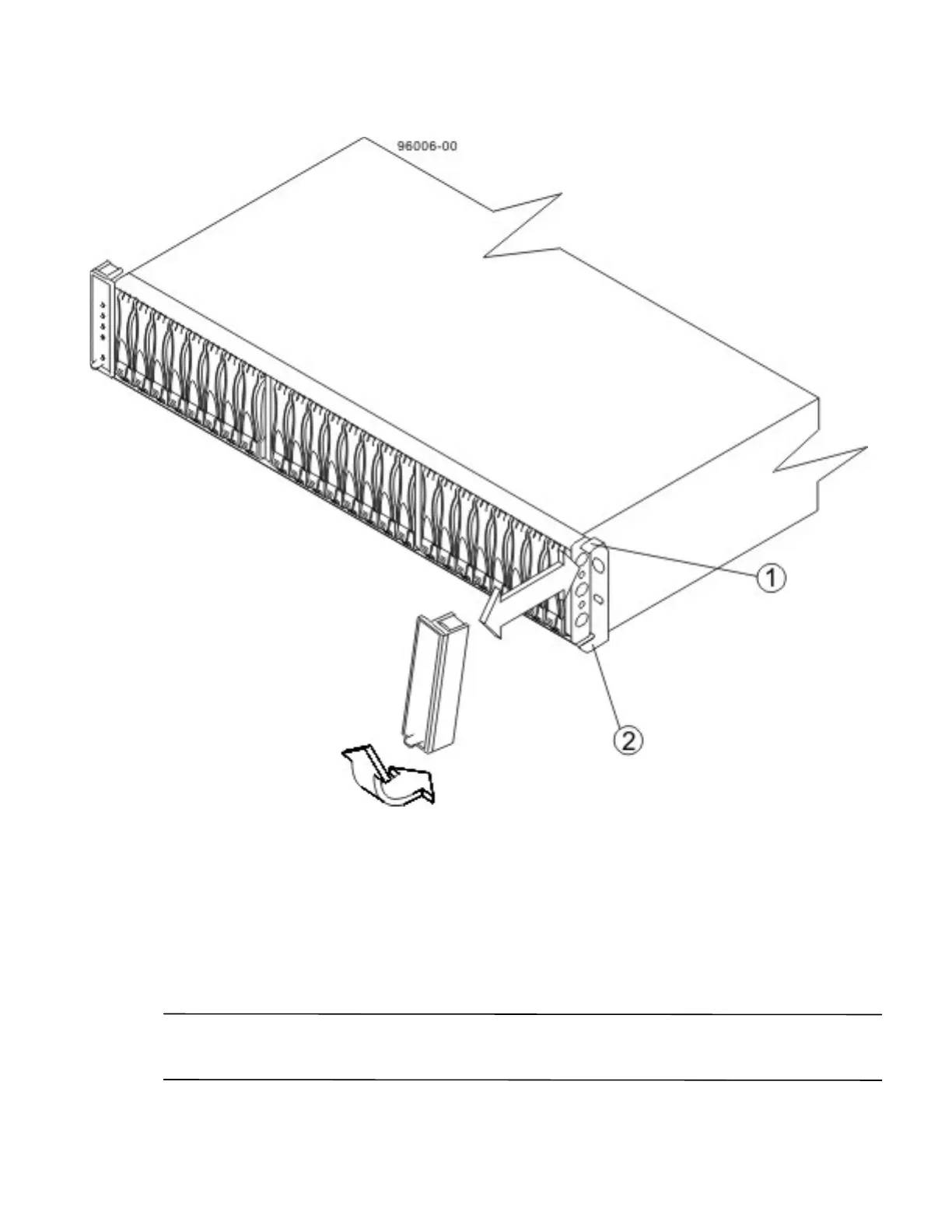
Figure 57 Attaching the End Caps to the DE5600 Drive Tray
1. Hinge Tab
2. Retainer
Procedure – Installing Drives in the DE1600 Drive Trays and the DE5600 Drive
Trays
In some situations, the drive tray might be delivered without the drives installed. Follow the steps in this procedure
to install the drives. If your drive tray already has drives installed, you can skip this step and go to either "Things to
Know – AC Power Cords" on page 93 or "Things to Know – DC Power Cords" on page 93.
ATTENTION Risk of equipment malfunction – To avoid exceeding the functional and environmental limits,
install only drives that have been provided or approved by the original manufacturer. Drives might be shipped but
not installed. System integrators, resellers, system administrators, or users can install the drives.



 To Next Page