E2600 Controller-Drive Tray Installation Guide 65
NOTE The installation order is from top to bottom and from left to right. The installation order is important
because the drives might already contain configuration information that depends upon the correct sequence of the
drives in the tray.
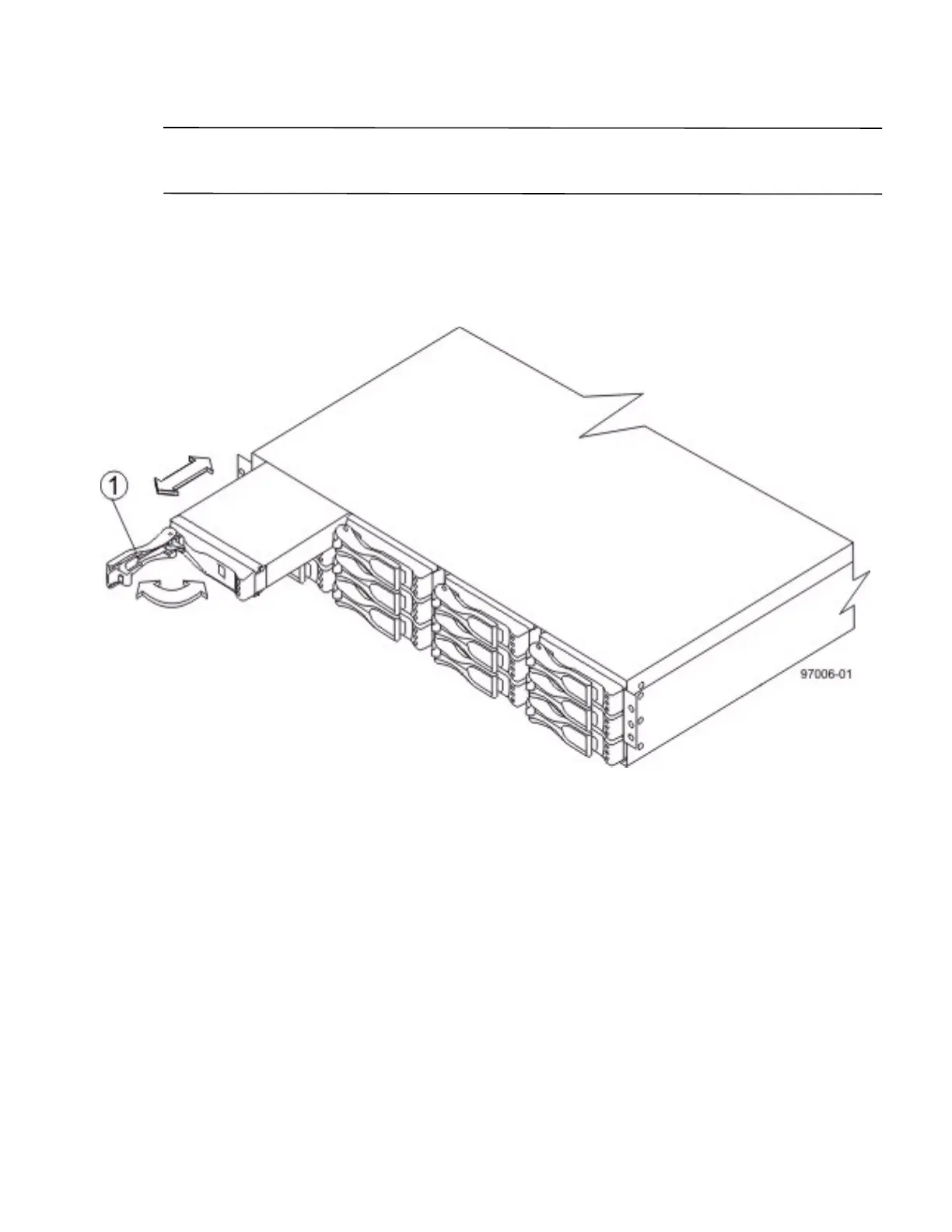
1. Beginning with the first drive slot in the upper-left side of the drive tray, place the drive on the slot guides, and
slide the drive all the way into the slot.
2. Push the drive handle to the right (DE1600 drive tray) or down (DE5600 drive tray) to lock the drive securely
in place.
Figure 58 Installing a Drive in the DE1600 Drive Tray
1. Drive Handle



 To Next Page