E2600 Controller-Drive Tray Installation Guide 122
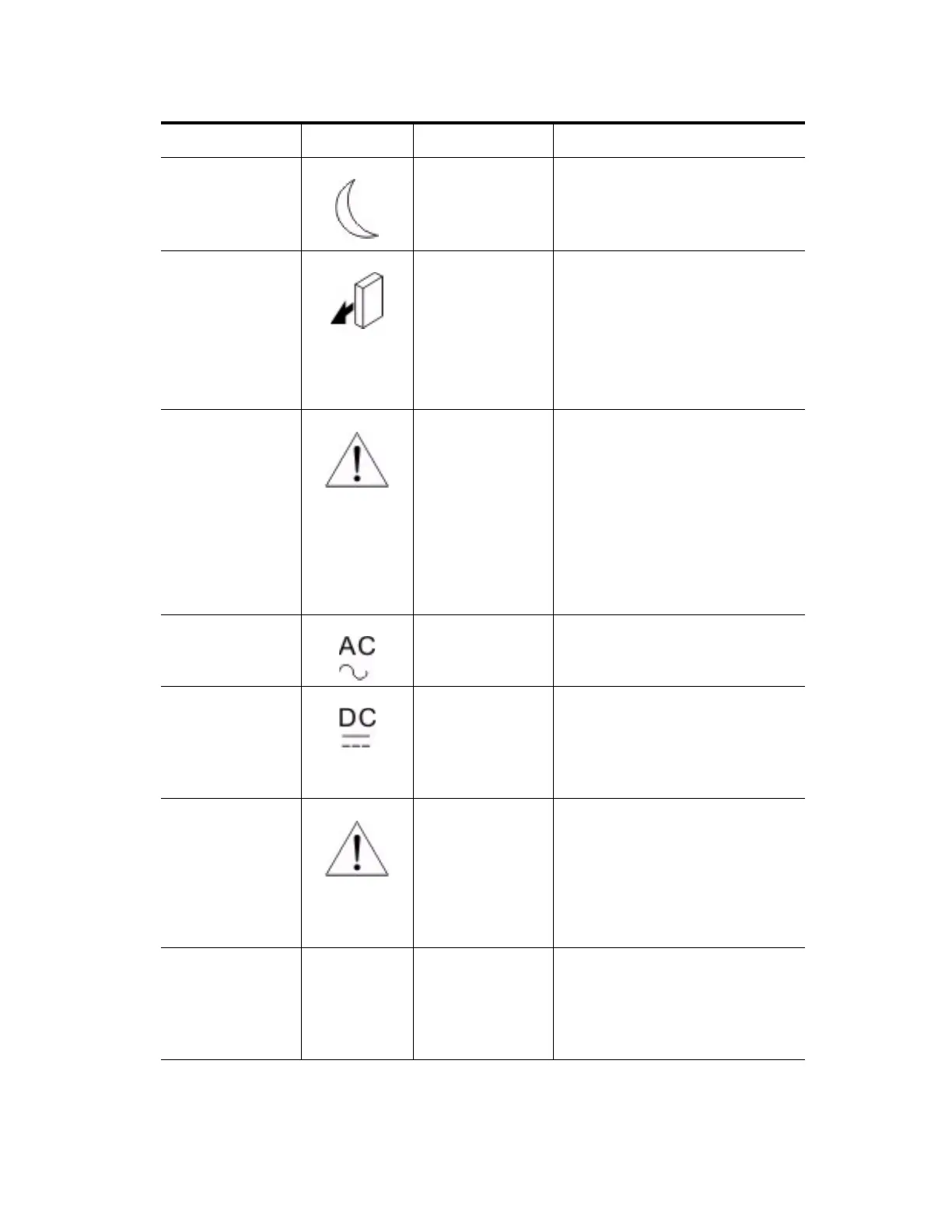
Standby Power Front bezel on the
drive tray
On – The drive tray is in Standby
mode, and the main DC power is off.
Off – The drive tray is not in Standby
mode, and the main DC power is on.
Service Action
Allowed
ESM canister
Power-fan canister
Drive
On – It is safe to remove the ESM
canister, the power-fan canister, or the
drive.
Off – Do not remove the ESM
canister, the power-fan canister, or the
drive.
The drive has an LED but no symbol.
Service Action
Required (Fault)
ESM canister
Power-fan canister
Drive
On – When the drive tray LED is on, a
component within the drive tray needs
attention.
On – The ESM canister, the power-fan
canister, or the drive needs attention.
Off – The ESM canister, the
power-fan canister, and the drive are
operating normally.
The drive has an LED but no symbol.
AC Power ESM canister
Power-fan canister
On – AC power is present.
Off – AC power is not present.
DC Power Power-fan canister On – Regulated DC power from the
power canister and the fan canister is
present.
Off – Regulated DC power from the
power-fan canister is not present.
Link Service Action
Required (Fault)
ESM canister On – The cable is attached and at least
one lane has a link-up status, but one
lane has a link-down status.
Off – The cable is not attached, the
cable is attached and all lanes have a
link-up status, or the cable is attached
and all lanes have a link-down status.
Link Up Two LEDs
above each
expansion
connector
ESM canister On – The cable is attached and at least
one lane has a link-up status.
Off – The cable is not attached, or the
cable is attached and all lanes have a
link-down status.
LED Symbol Location General Behavior



 To Next Page