VPN Configuration
152
N300 Wireless ADSL2+ Modem Router DGN2200v3
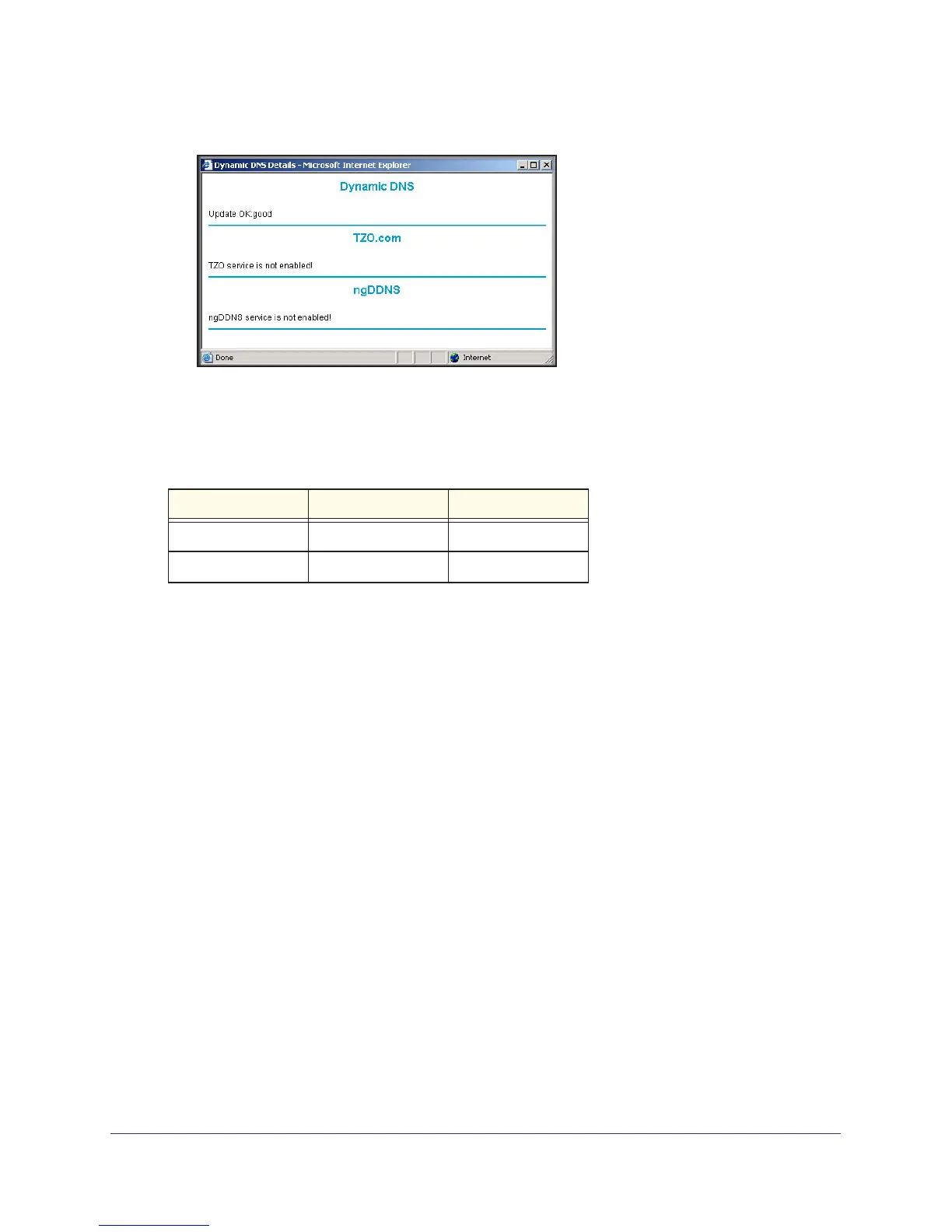
The resulting screen should show Update OK: good:
4. Configure the DGN2200v3 as in the gateway-to-gateway procedures using the VPN Wizard
(see Set Up a Gateway-to-Gateway VPN Configuration on page 117), being certain to use
appropriate network addresses for the environment.
The LAN addresses used in this example are as follows:
Device LAN IP Address LAN Subnet Mask
DGN2200v3 10.5.6.1 255.255.255.0
FVL328 172.23.6.1 255.255.255.0
a. Enter toFVL328 for the connection name.
b. Enter fvl328.dyndns.org for the remote W
AN's IP address.
c. Enter the following:
• IP Address: 172.23.9.1
• Subnet Mask: 255.255.255.0
5. Configure the FVL328 as in the gateway-to-gateway procedures for the VPN Wizard (see
Set Up a Gateway-to-Gateway VPN Configuration on page 117), being certain to use
appropriate network addresses for the environment.
a. Enter toDG834 for the connection name.
b. Enter dg834g.dyndns.org for the remote W
AN's IP address.
c. Enter the following:
• IP Address: 10.5.6.1
• Subnet Mask: 255.255.255.0
6. T
est the VPN tunnel by pinging the remote network from a PC attached to the DGN2200v3.
a. Open the command prompt (Start -> Run -> cmd)


 To Next Page
 Loading...