BTS User Manual
Neware Technology Ltd.
http://www.newarebattery.com
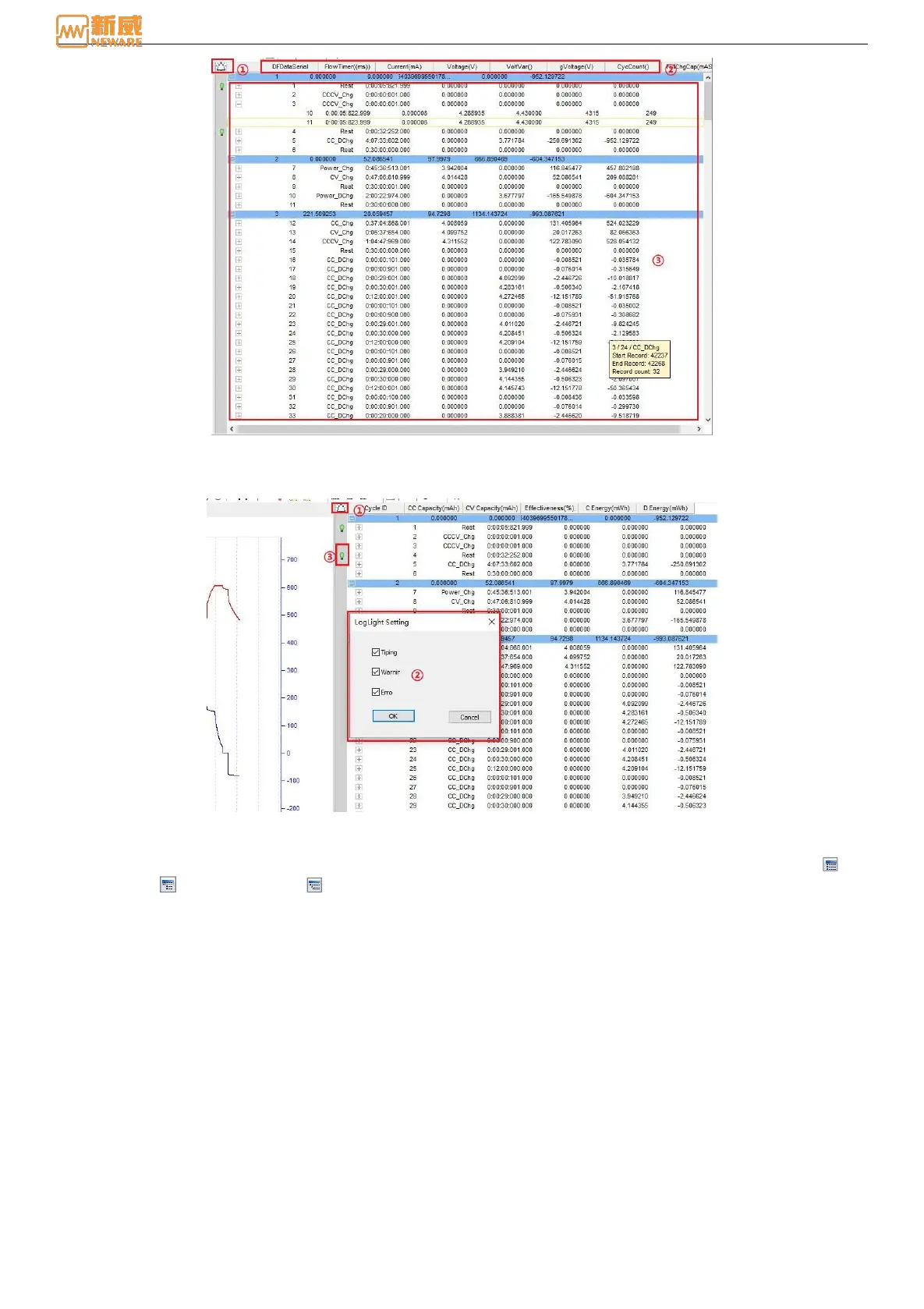
Figure 6-17 Data area hierarchical division
1. Log indicator setting
Click the "lamp" image on the left of the watch head, and the loglight can be set in the popup dialog, as shown below:
Loglight Setting Figure 6-18
2. Header
Test data, step layer test data, and record layer test data, as shown in the figure below. Click the cycle layer (①),
step layer (②), record layer (③) on the toolbar, or right-click the test data and choose "Collapse/Expand" to
achieve the related data collapse/expand. By viewing different battery performance parameters, you can analyze battery
data.



 To Next Page