18 USB-Link™ Installation and Setup Manual
Chapter 2 • Installation and Bluetooth Configuration
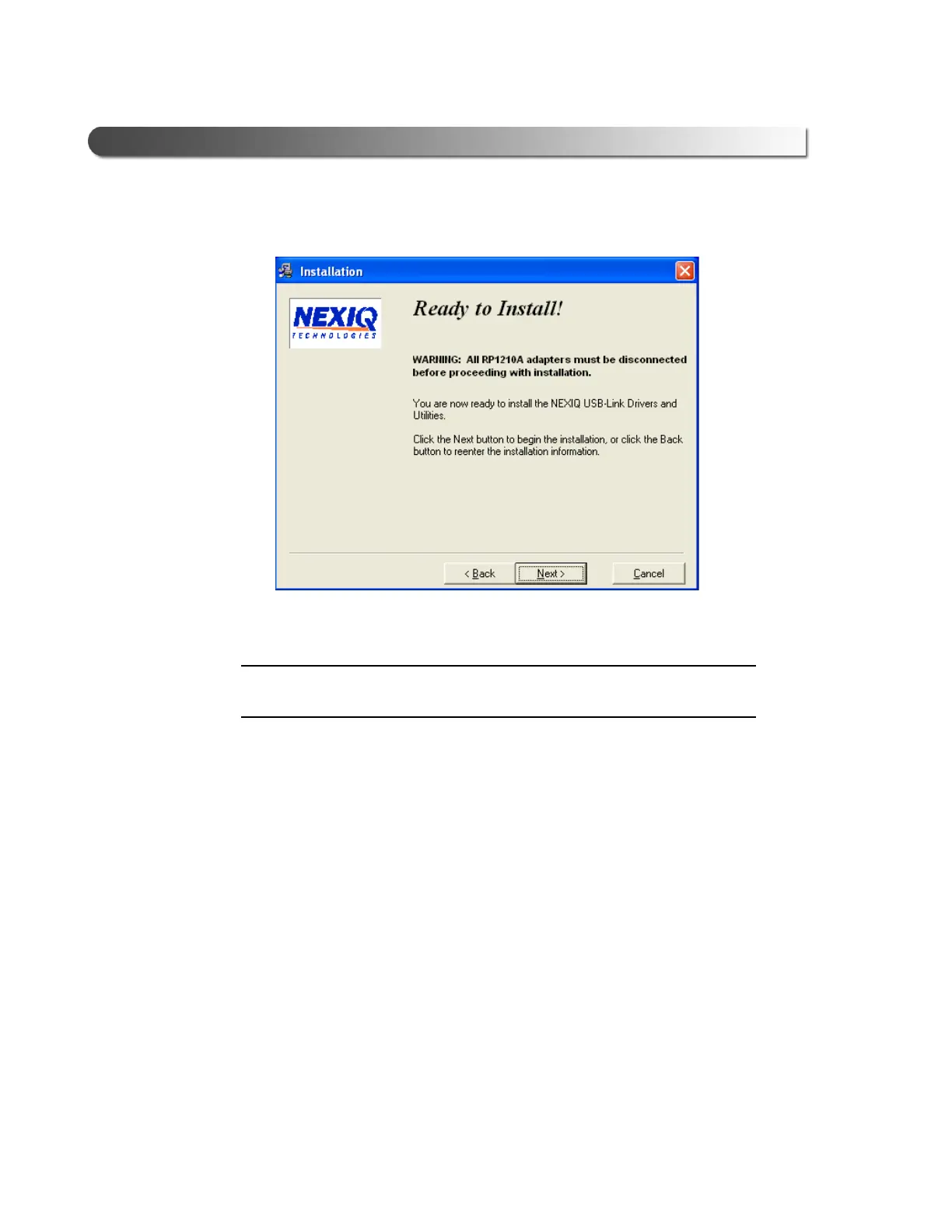
9 Wait for the Ready to Install! screen to appear.
NOTE:
i Be sure to disconnect all RP1210A adapters currently connected to the PC
before proceeding with the installation.
10 Do one of the following:
Figure 2.7 Ready to Install! Screen



 To Next Page