- Step 1: Install the USB-Link™ Drivers and Utilities
USB-Link™ Installation and Setup Manual 19
—Click Next to proceed with the installation.
—Click Back to step backward through previous screens.
—Click Cancel to stop the installation.
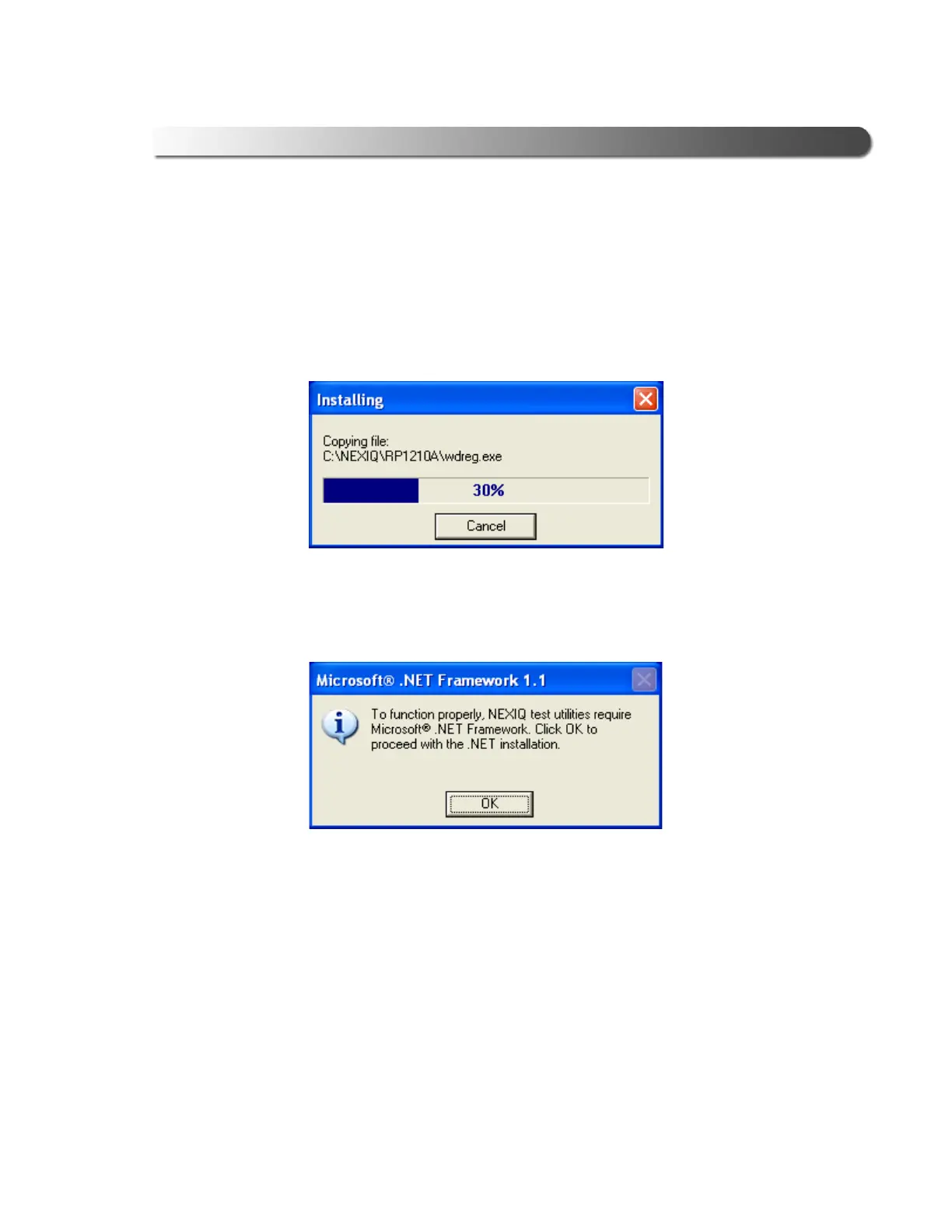
A dialog box displaying a status bar is displayed indicating percentage
complete.
If Microsoft
®
.NET Framework is not found on your PC, the following dialog
box is displayed.
11 Click OK, and follow the prompts to install the .NET software.
Once the .NET installation is complete, the following message is displayed:
Installation of Microsoft .NET Framework 1.1 is complete.
12 Click OK to continue.
Figure 2.8 Status Bar
Figure 2.9 .NET Framework Dialog Box



 To Next Page