20 USB-Link™ Installation and Setup Manual
Chapter 2 • Installation and Bluetooth Configuration
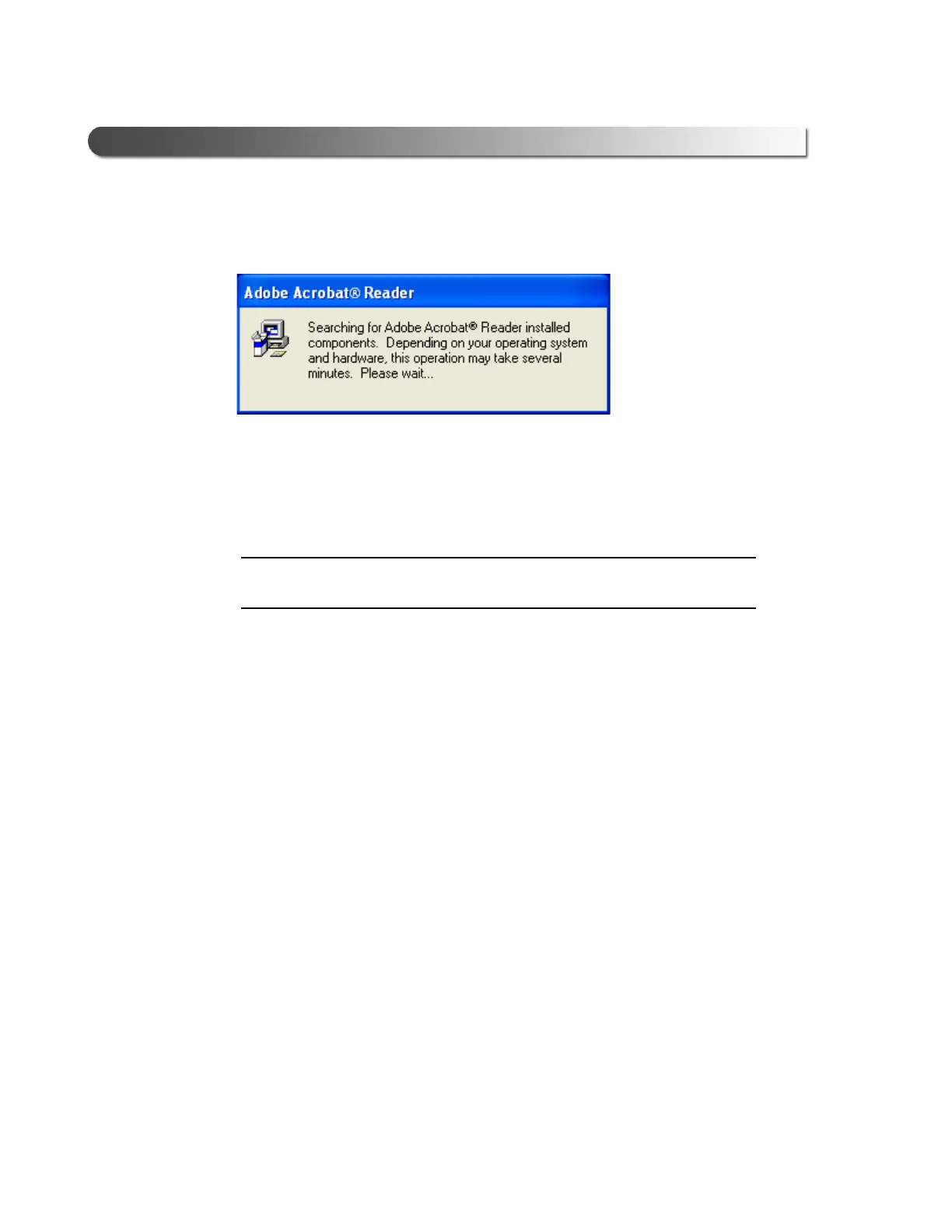
The following dialog is displayed:
If the version of the Adobe Acrobat
®
Reader installed on your PC is up-to-
date, a dialog is displayed informing you of this fact. Click OK, and move on
to Step 14 (pg. 21).
NOTE:
i The Adobe Acrobat
®
Reader is required to view this Installation Manual
electronically as a portable document format (PDF) file.
If, however, your PC requires installation of the Adobe Acrobat
®
Reader, the
Figure 2.10 Acrobat Reader Search Dialog



 To Next Page