- Step 1: Install the USB-Link™ Drivers and Utilities
USB-Link™ Installation and Setup Manual 21
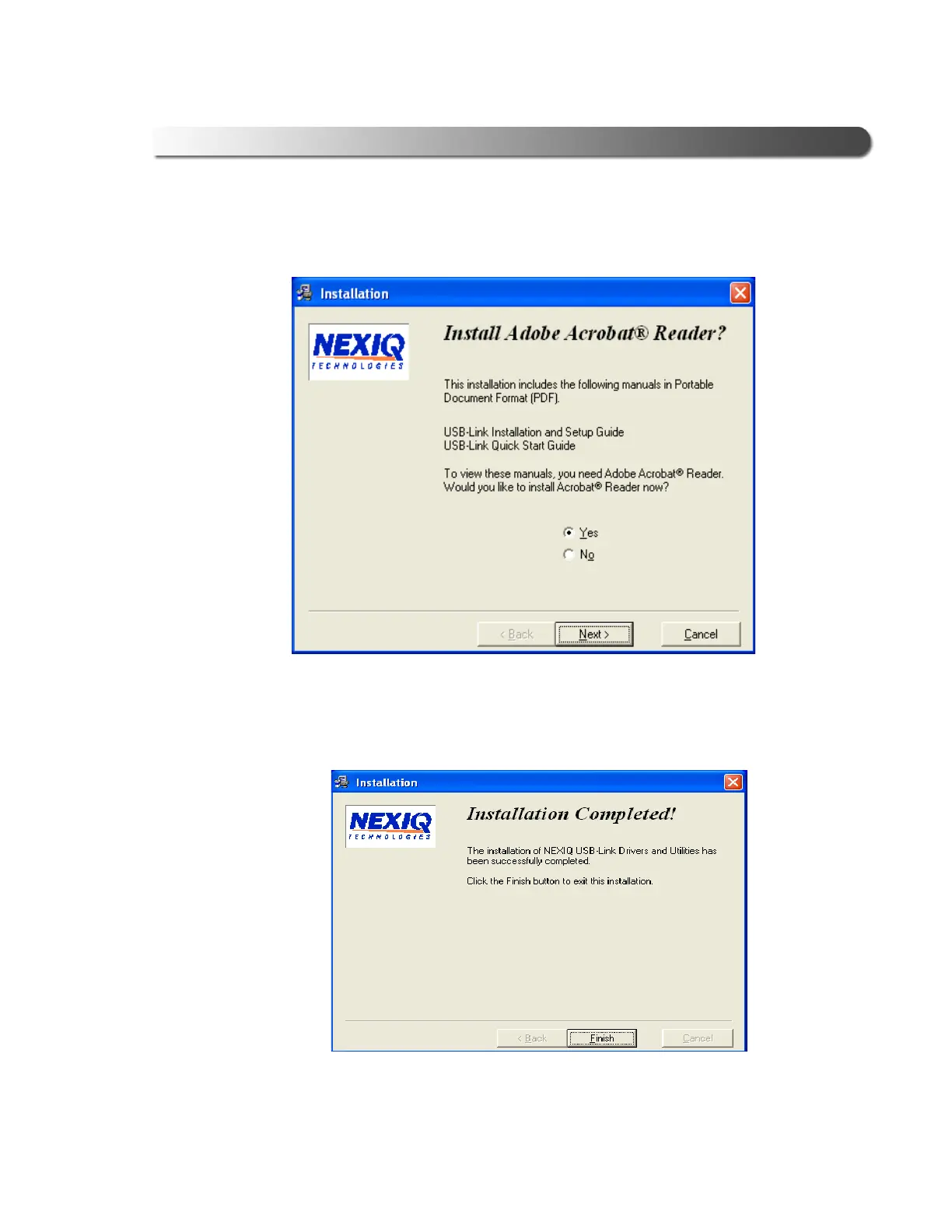
following screen is displayed.
13 Click Next to accept the default (Yes), and follow the prompts.
14 Wait for the Installation Completed! screen to appear, then click Finish.
Figure 2.11 Acrobat Reader Installation Screen
Figure 2.12 Installation Completed! Screen



 To Next Page