- Step 1: Install the USB-Link™ Drivers and Utilities
USB-Link™ Installation and Setup Manual 25
NOTE:
i If you do not agree to the terms, click I Decline. A message is displayed
prompting you to confirm exiting the installation. Click EXIT SETUP.
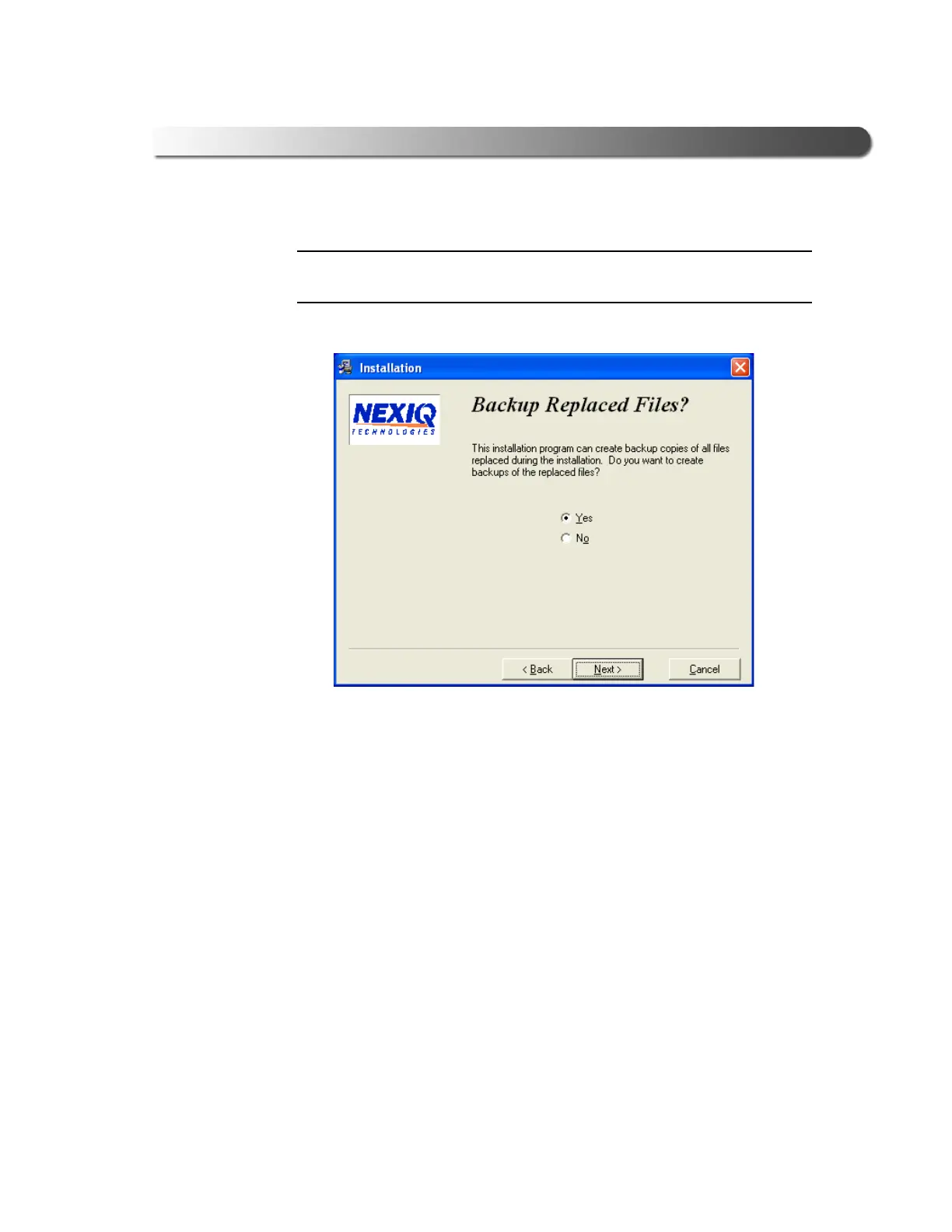
The Backup Replaced Files? screen is displayed.
6 Do one of the following:
—Click Yes if you wish to back up copies of files replaced during the instal-
lation (recommended).
—Click No if you do not wish to back up files.
7 Click Next to continue.
Figure 2.16 Backup Replaced Files? Screen



 To Next Page