26 USB-Link™ Installation and Setup Manual
Chapter 2 • Installation and Bluetooth Configuration
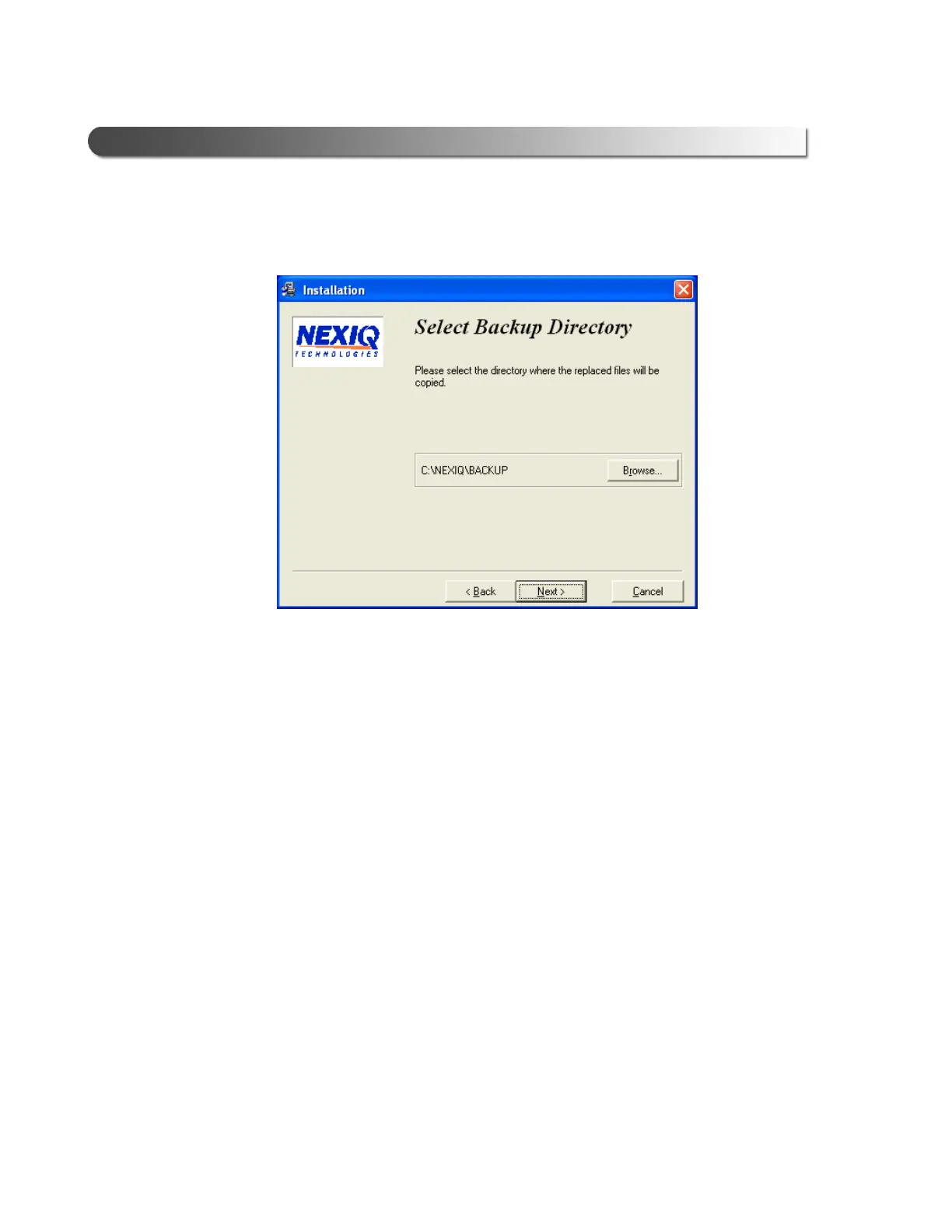
If you chose to back up replaced files, the installation program requests a
location to store the files.
8 Do one of the following:
—To accept the default directory, click Next and proceed to Step 9
(recommended).
—To select a different directory, click Browse...
At the bottom of the screen, select the desired drive letter from the drop-
down list. Double-click each directory to add to the path. Click OK to
proceed.
The program returns to the Select Backup Directory screen. Confirm the
destination, then click Next.
Figure 2.17 Select Backup Directory



 To Next Page