- Step 1: Install the USB-Link™ Drivers and Utilities
USB-Link™ Installation and Setup Manual 27
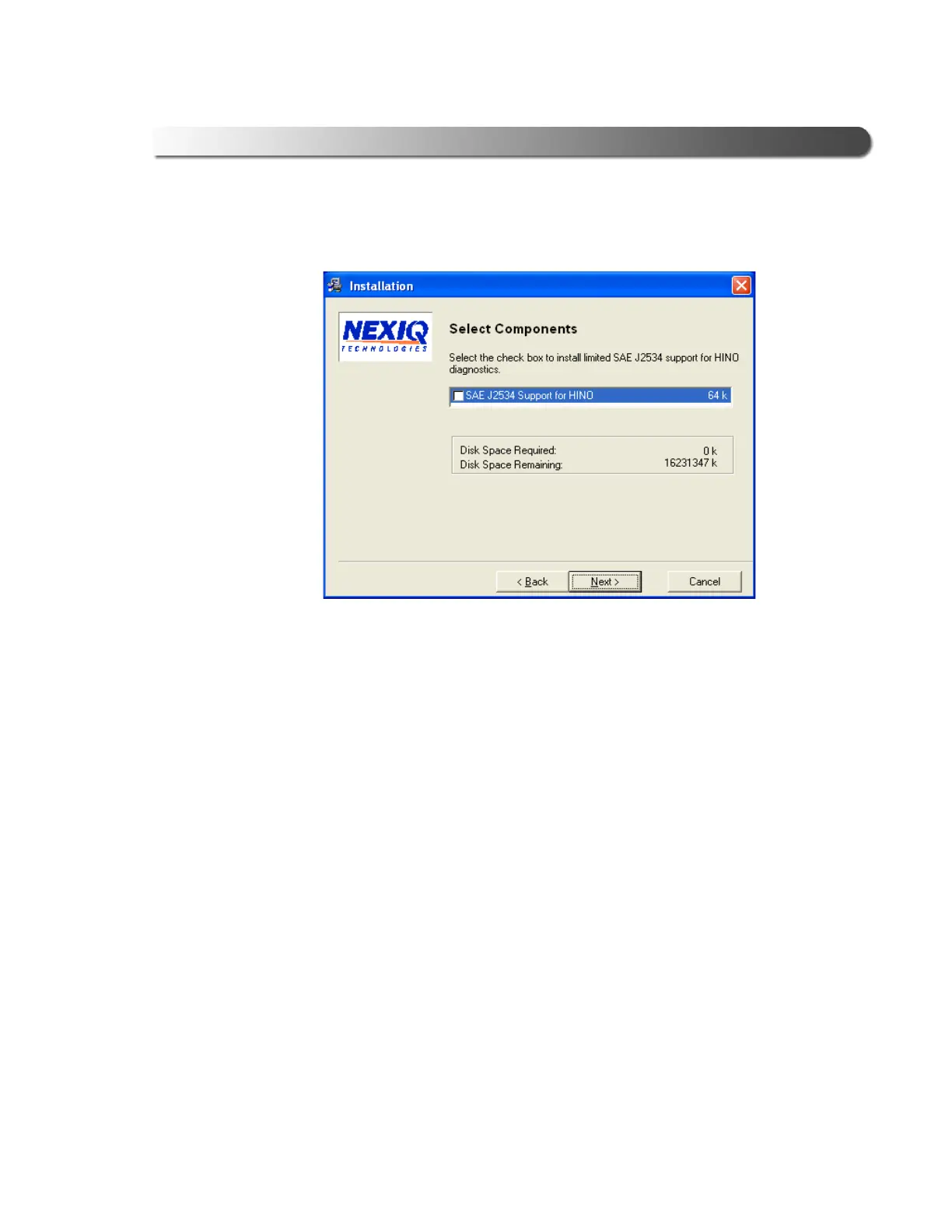
The Select Components screen is displayed.
9 Check the check box to install J2534 support for HINO Diagnostic eXplorer.
10 Click Next to continue.
Figure 2.18 Select Components screen



 To Next Page