- Step 4: Install the Bluetooth Drivers
USB-Link™ Installation and Setup Manual 41
A status bar provides an indication of how close the wizard is to completing
the installation. The process may take several minutes.
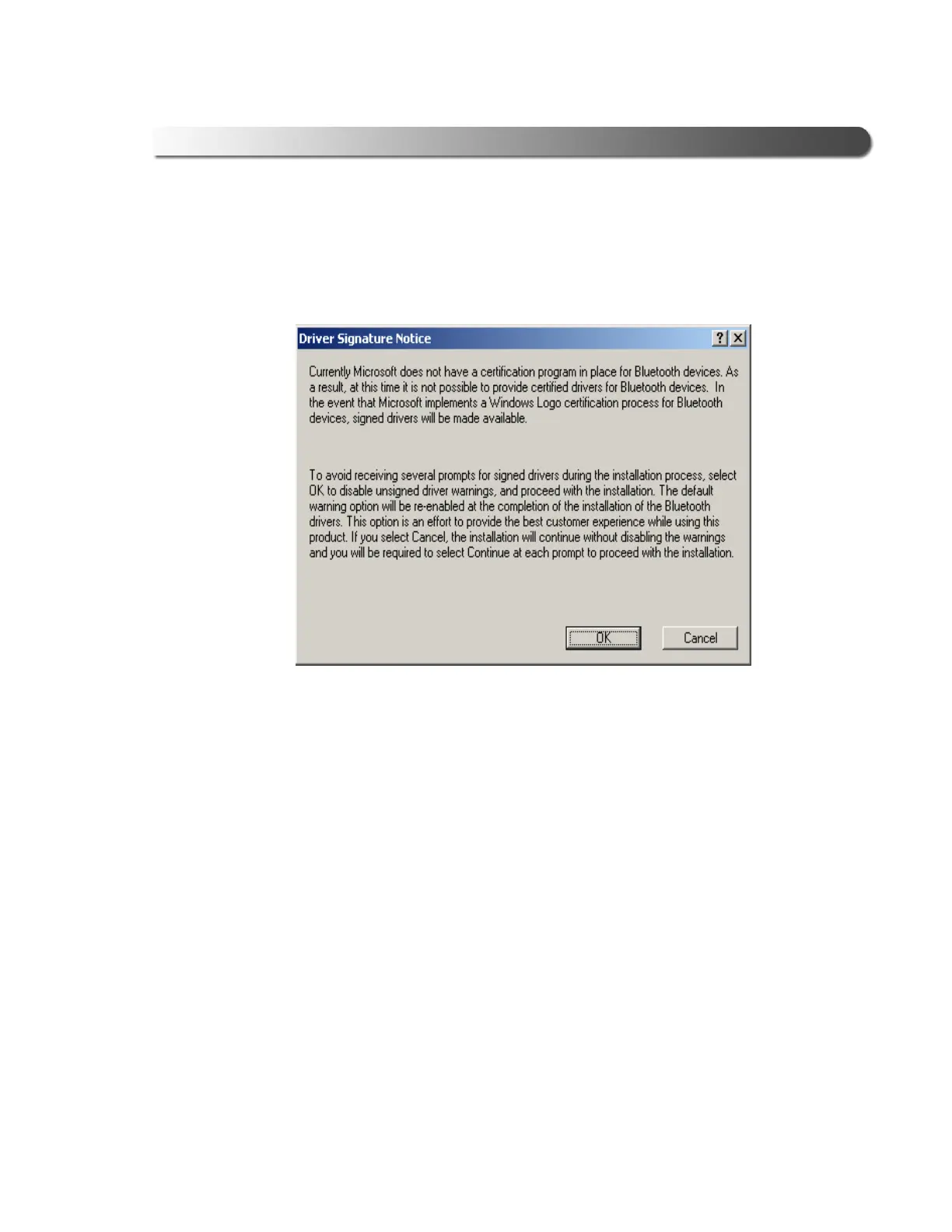
The Driver Signature Notice is displayed.
9 Click OK to avoid display of multiple prompts for signed drivers during the
remainder of the installation.
Figure 2.34 Driver Signature Notice screen



 To Next Page