42 USB-Link™ Installation and Setup Manual
Chapter 2 • Installation and Bluetooth Configuration
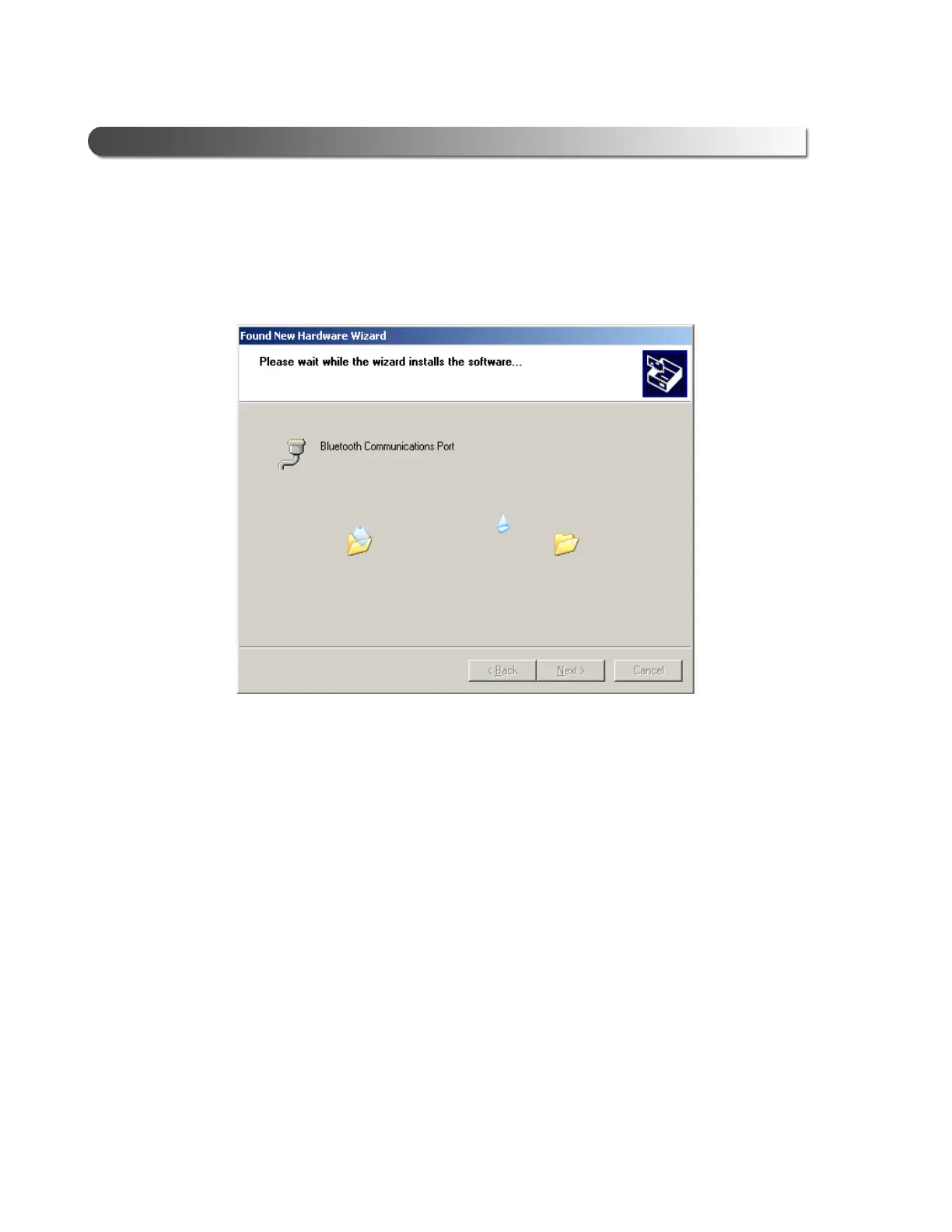
The Please wait while the wizard installs the software... screen is
displayed.
The InstallShield Wizard Completed screen is displayed.
10 Click Finish to exit the wizard.
The Linksys Bluetooth USB Adapter Welcome screen is displayed (Fig.
2.15).
11 Click the Exit button, and remove the CD from the CD-ROM drive.
12 Restart your system so that the changes you made can take effect.
Figure 2.35 Please wait while the wizard installs the software screen



 To Next Page