- Additional Steps for Windows XP SP-2
USB-Link™ Installation and Setup Manual 47
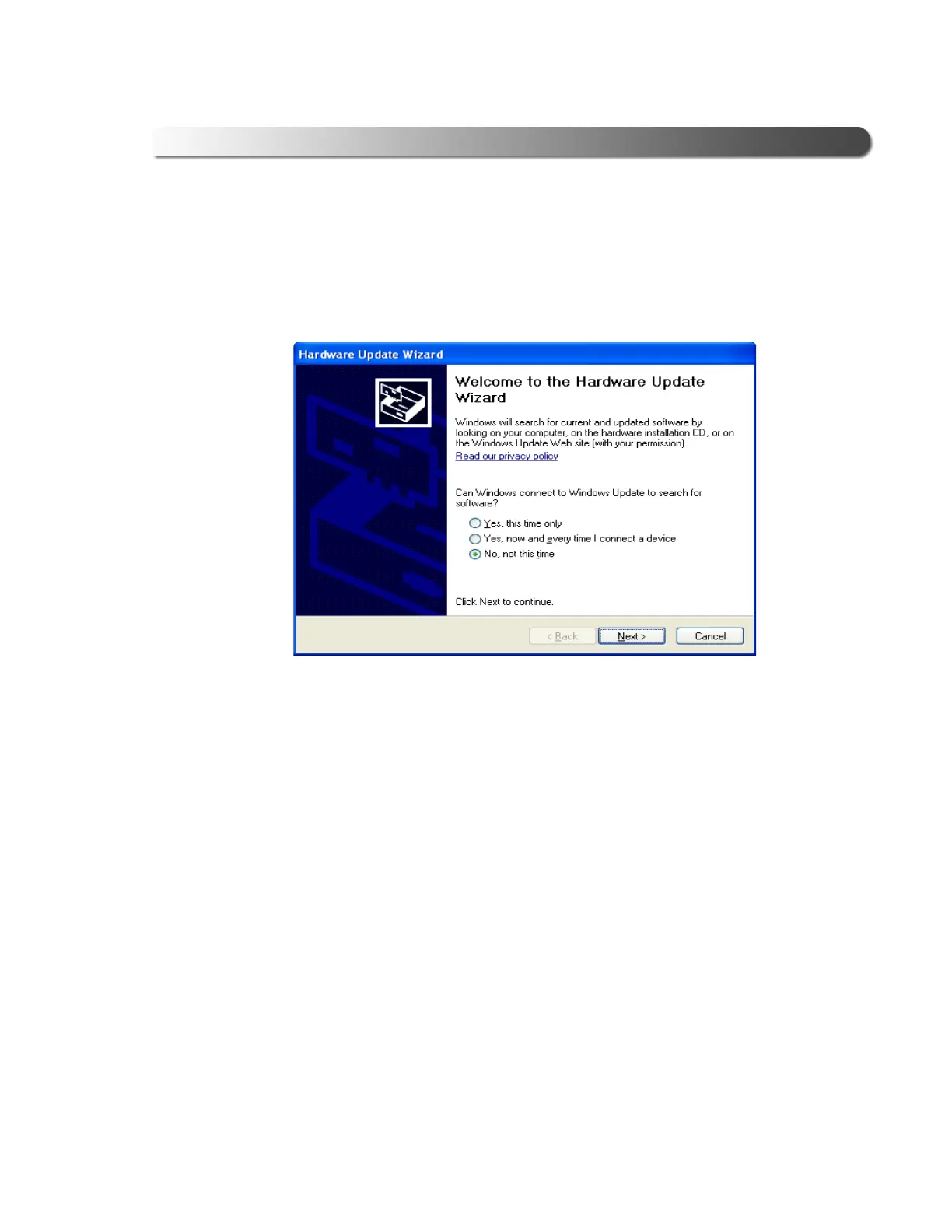
The Hardware Update Wizard welcome screen (Figure 2.39) may or may
not appear at this time. If it does, select No, not at this time (to indicate that
you do not wish to run the Wizard), and click Next to continue.
If the above screen does not appear, move on to step 5, next in this proce-
dure (see Figure 2.40).
Figure 2.39 The Hardware Update Wizard May or May Not Appear.



 To Next Page