48 USB-Link™ Installation and Setup Manual
Chapter 2 • Installation and Bluetooth Configuration
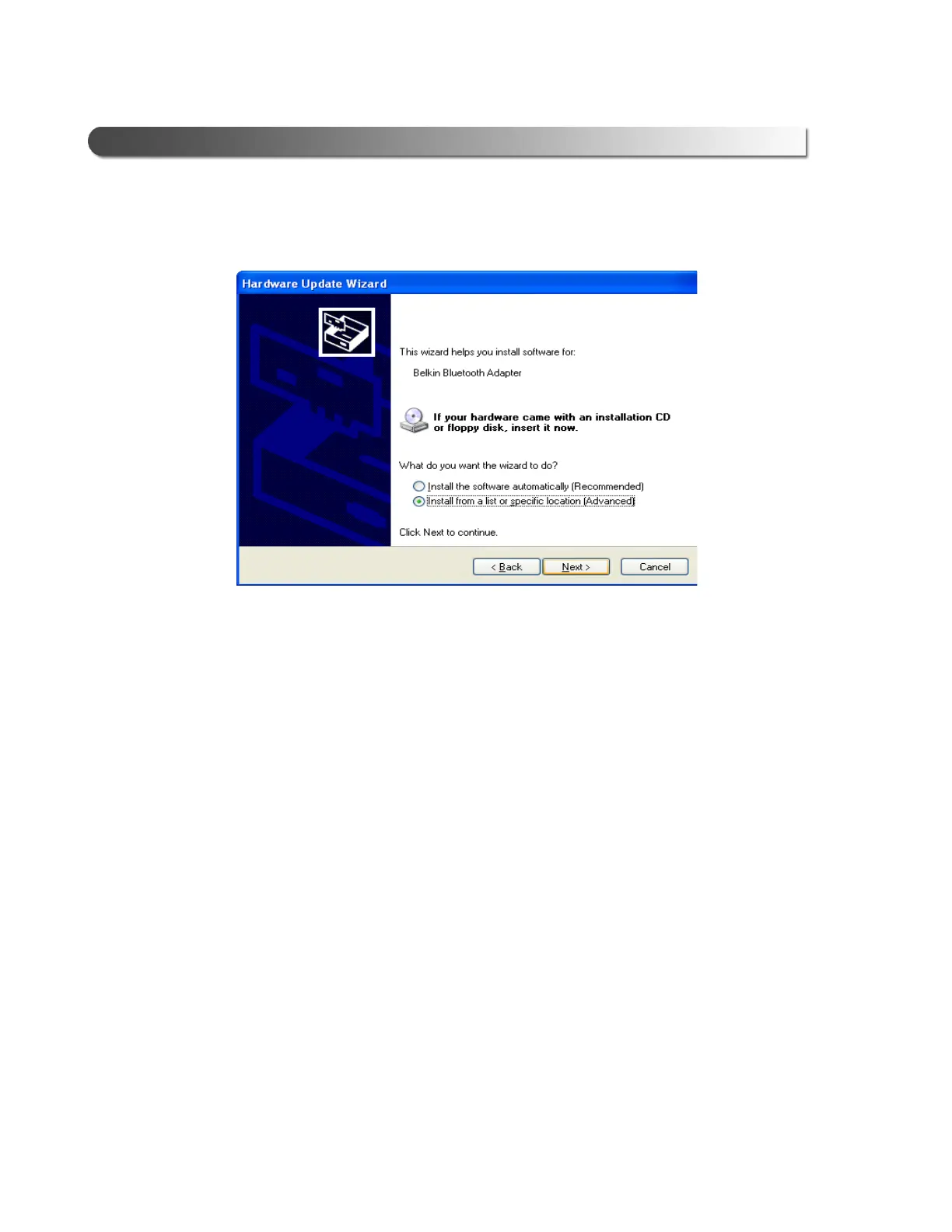
The Hardware Update Wizard is displayed.
5 Ignore the on-screen prompt “If your hardware came with an installation
CD...,” and select Install from a list or specific location (Advanced).
6 Click Next.
Figure 2.40 Hardware Update Wizard



 To Next Page