50 USB-Link™ Installation and Setup Manual
Chapter 2 • Installation and Bluetooth Configuration
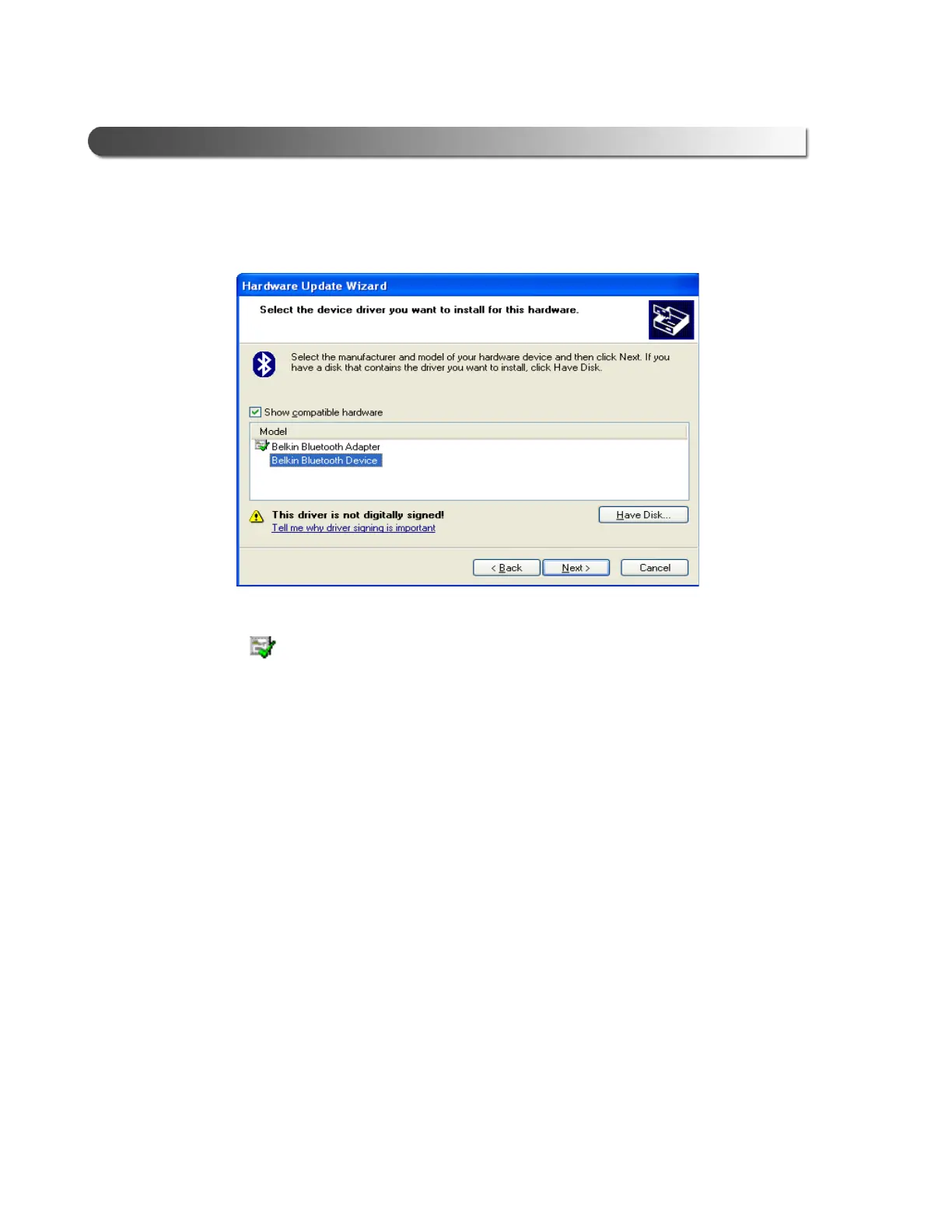
The Select the device driver...screen is displayed.
Typically, you will see two choices in the Model area of the screen.
If the driver is digitally signed, an icon appears next to the
selection.
9 Since you already installed the required Bluetooth drivers back in Chapter 2
of this manual, do not click the Have Disk button.
10 From the Model area of the screen, select the device driver that is not digitally
signed (i.e., the device driver without the icon next to it).
11 Click Next.
Figure 2.42 Select the Device Driver



 To Next Page