- Additional Steps for Windows XP SP-2
USB-Link™ Installation and Setup Manual 51
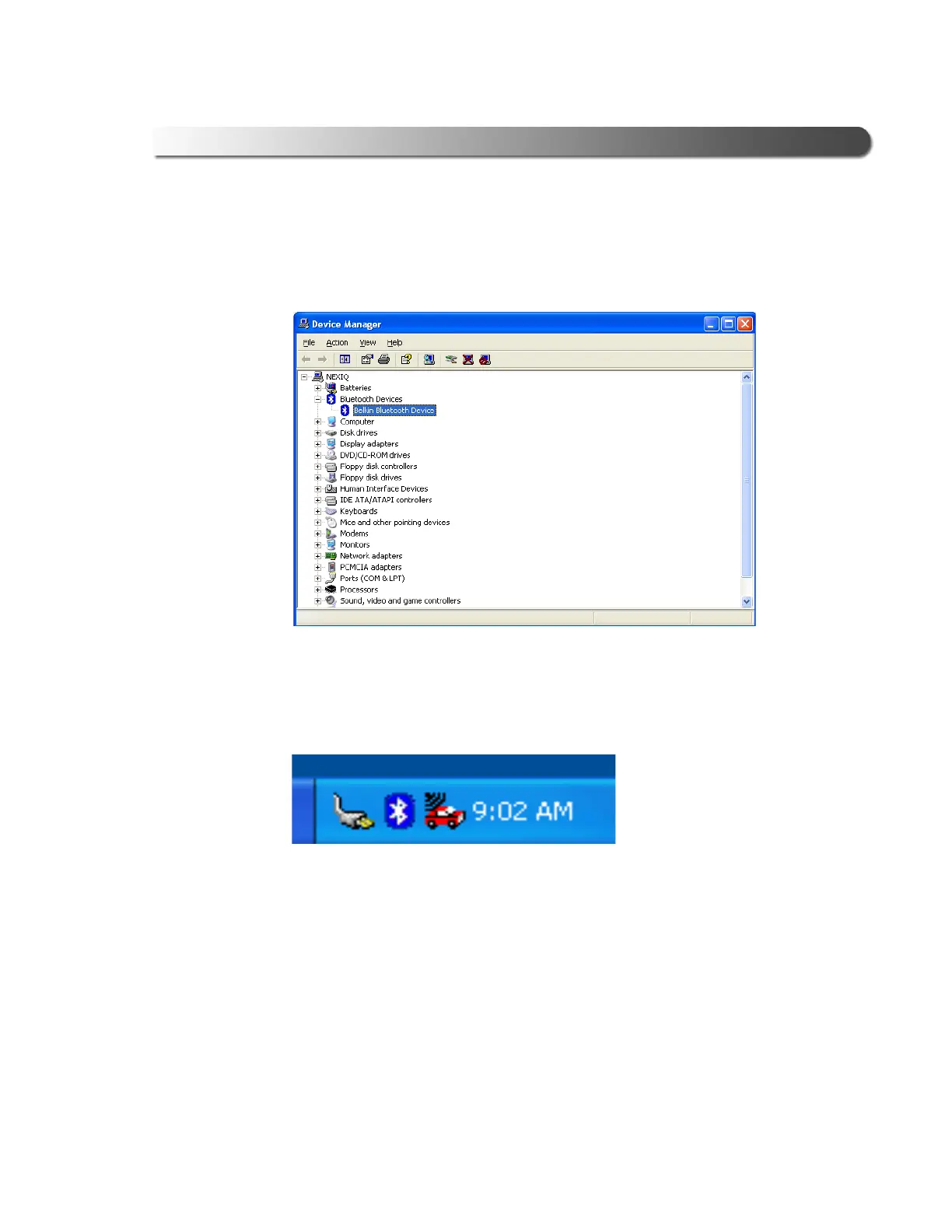
The updated Device Manager screen is displayed. Note that the Microsoft
Bluetooth Enumerator no longer appears in the Bluetooth Devices folder
(compare Figure 2.43 with Figure 2.37).
In addition, the Windows taskbar has been updated. Note that the Microsoft
Bluetooth Enumerator icon no longer appears (compare Figure 2.44 with
Figure 2.36).
Move on to “Configure the Bluetooth Environment,” next in this manual.
Figure 2.43 Updated Device Manager Screen
Figure 2.44 Updated Windows Taskbar



 To Next Page