64 USB-Link™ Installation and Setup Manual
Chapter 3 • Preparing to Use the USB-Link™
lf-second intervals until you click on the Stop Signal Adjustment button.
NOTE:
i The Optimize Signal Strength button is only available with Widcomm
®
Bluetooth PC Driver version 1.4x and higher.
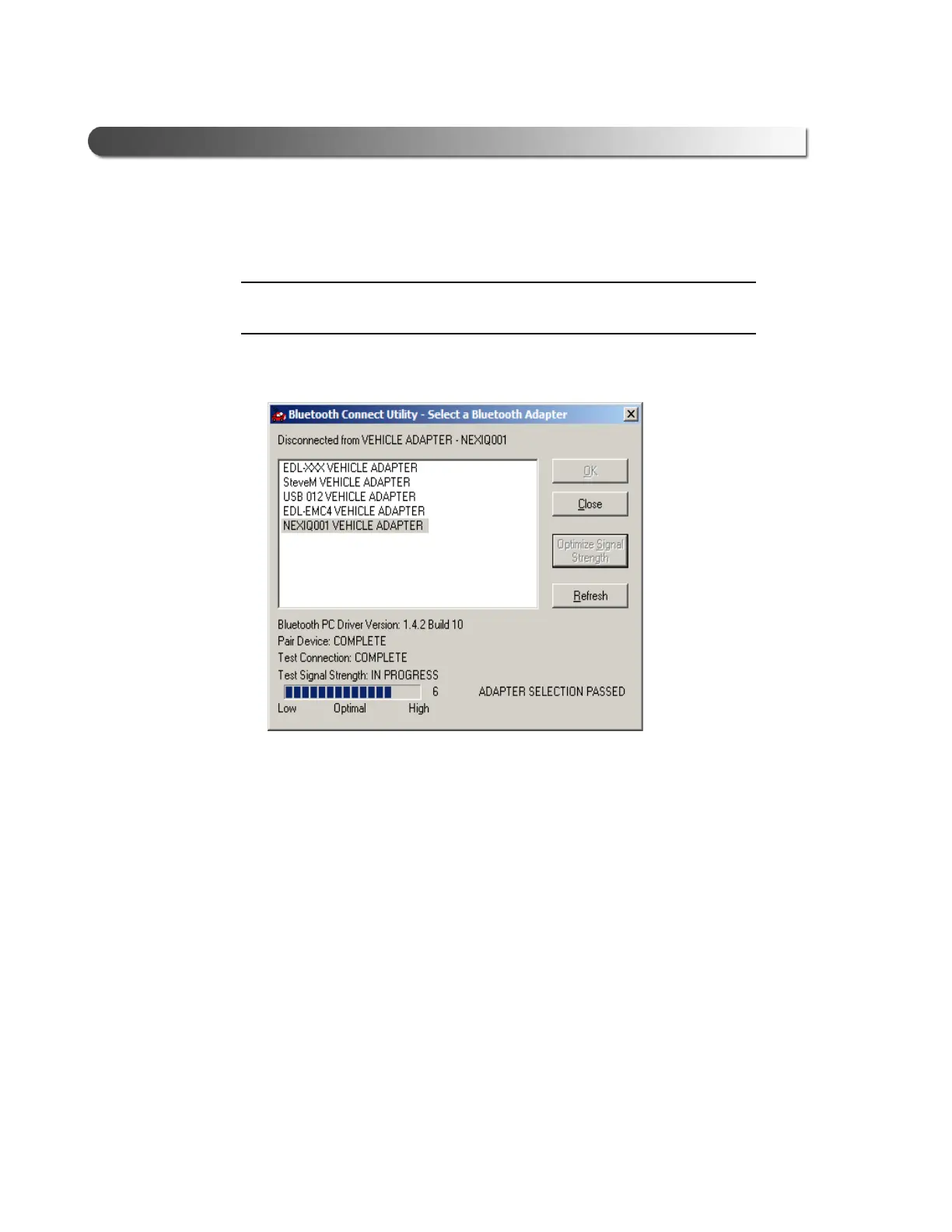
Once the test is complete, the results of the operation are displayed in the
lower right corner of the screen.
5 Click Close to quit the Bluetooth Connection Utility.
Move on to “Test the Connection to the Vehicle,” next in this manual.
Figure 3.8 Optimize Signal Strength



 To Next Page