43
Step 12: Make a Scan
Scanning 35 mm Negatives and Positives
This step introduces basic scanning procedures. For details of using Nikon Scan to scan images, see the
Nikon Scan 3 Reference Manual.
12-1
Nikon Scan can be used to scan images into third-party host applications such as Adobe Photoshop, or
it can be used as a “stand-alone” application for scanning images and saving them to disk. To start Nikon
Scan from another application, select Nikon Scan from the application’s list of “acquire” or “import”
sources. If you are using a Macintosh, the Nikon Scan 3.0 plug-in must first be copied to the Import/
Export folder in the application’s plug-ins folder. When using Nikon Scan as a “stand-alone” applica-
tion:
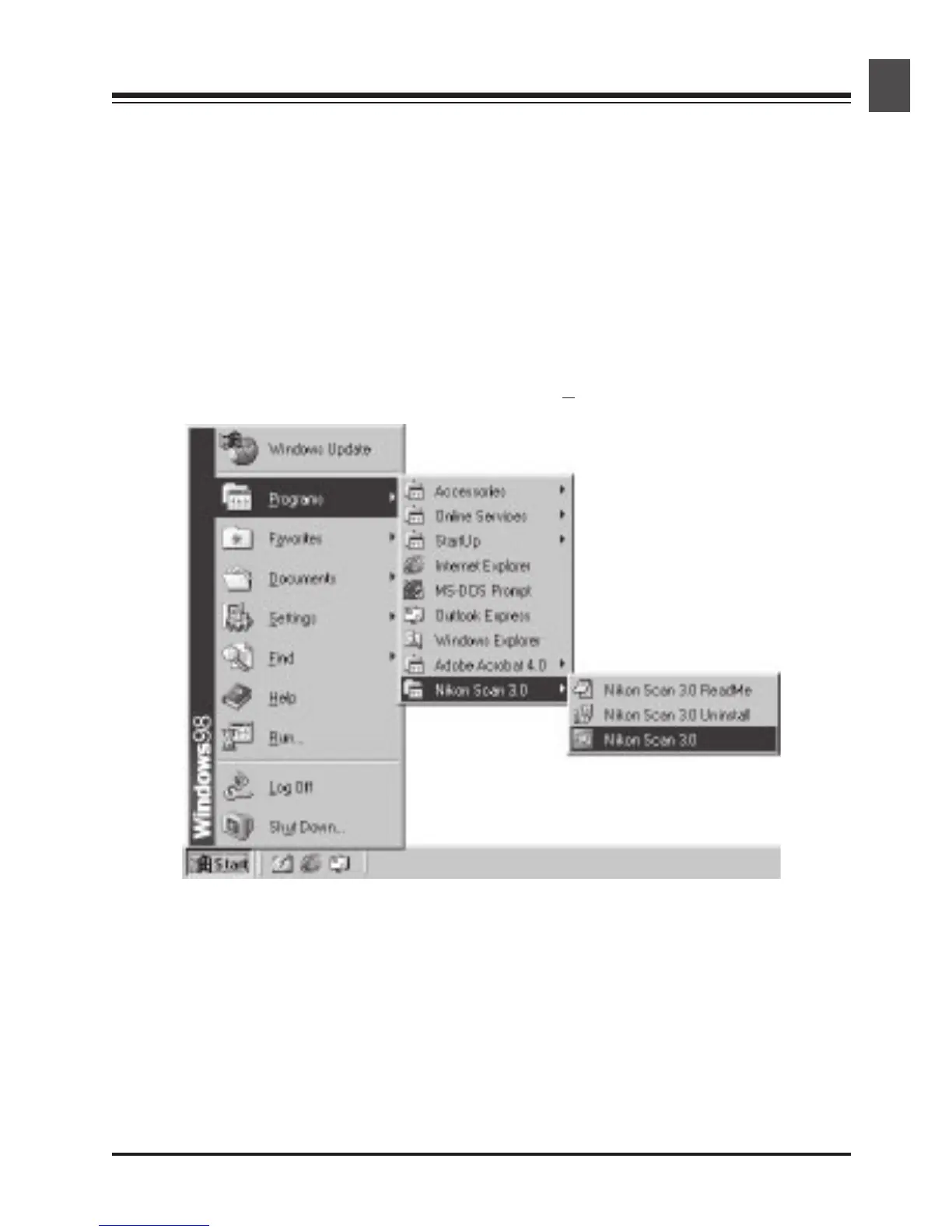
Windows
Click the Start button and select Nikon Scan 3.0 from
Programs > Nikon Scan 3.0.



 To Next Page
 Loading...










